If an HTML GIF is not playing, open the file on its own before touching the page. Paste the image URL into the address bar and watch it.
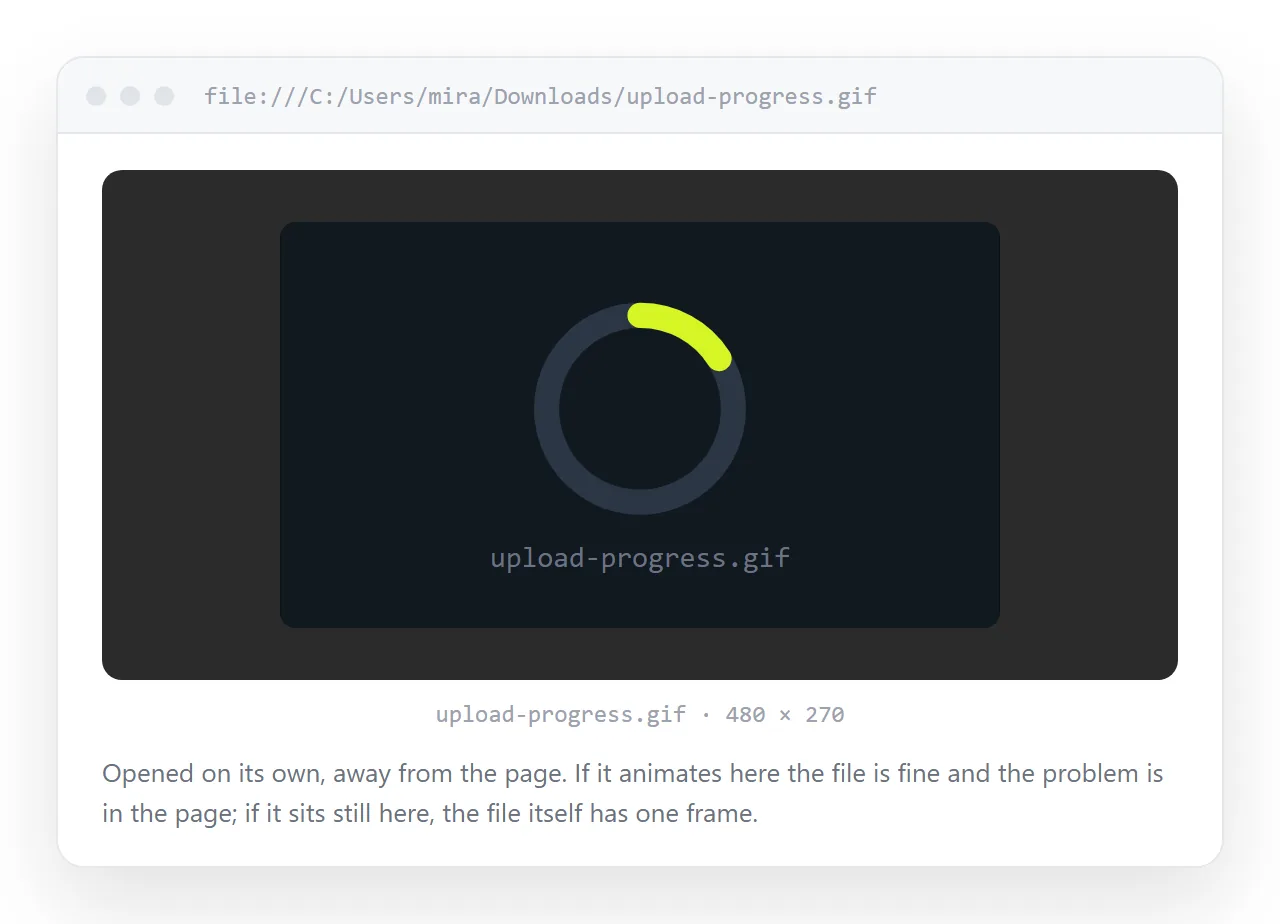
If it does not animate there, the file is the problem and your markup is irrelevant. If it does animate there, the page is doing something to it.
That single test splits the work in half and takes five seconds.
The causes, ranked
| Symptom | Cause | Fix |
|---|---|---|
| Still in the browser tab too | Exported as a single frame | Re-export with animation enabled |
| Plays once, then stops | Loop count set to 1 in the file | Re-export with loop forever |
| Animates elsewhere, still in your page | CSS filter, transform or overlay | Remove the rule, check stacking |
| Broken image icon | File not found | Fix the path |
| Animates for you, still for others | Reduced motion setting | Provide a non animated fallback |
| First load only, still after that | Cached first frame | Hard reload, check cache headers |
There is no loop attribute for images
This is the part people lose time on. Looping is stored inside the GIF file itself, in an application extension block.
HTML has no say. <img loop> is not a thing, and neither is a CSS property for it.
So a GIF that plays once was exported that way. Reopen it in whatever produced it and set the loop count to forever, then export again.
CSS that freezes an animated image
An animated GIF keeps animating under most CSS, but a few properties change what you see.
filterandbackdrop-filtercan cause the browser to rasterise the element, which in some cases pins it to one frame.- A
transformcombined withwill-changecan do the same. - An absolutely positioned overlay sitting above the image looks identical to a frozen GIF.
- A
background-imageGIF inside an element withcontent-visibility: hiddenwill not run.
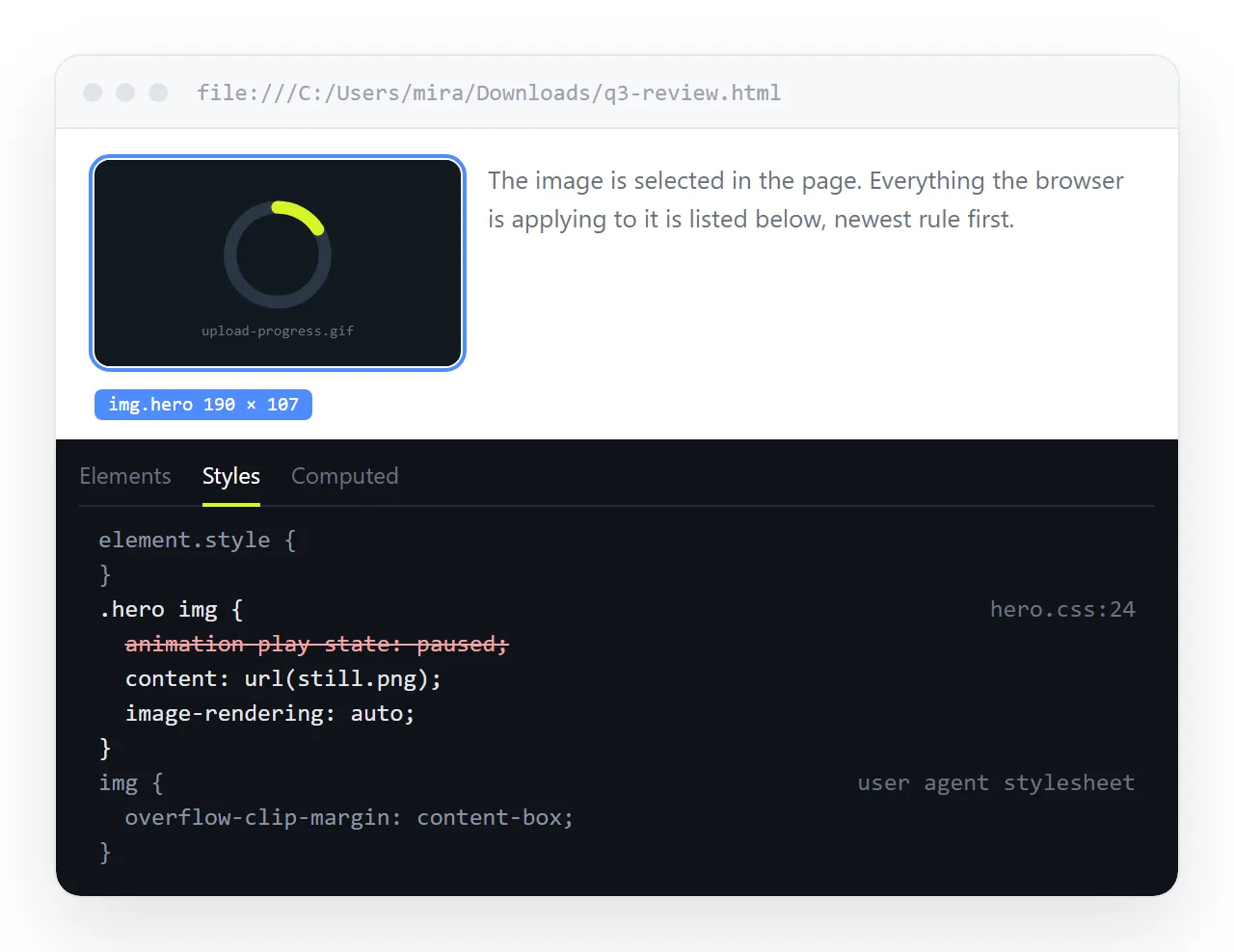
Open the element inspector, select the image, and disable its rules one at a time. If animation returns, you found it.
Reduced motion, and why it is not a bug
Operating systems have a reduce motion setting for readers who find movement uncomfortable or disorienting. Some browsers and extensions extend it to animated images.
If your page is still for a colleague and moving for you, compare that setting before assuming the file is corrupt.
Respecting it is straightforward. Serve a still image by default and let motion be the enhancement:
<picture>
  <source srcset="demo-still.png" media="(prefers-reduced-motion: reduce)">
  <img src="demo.gif" alt="Steps of the import flow">
</picture>
The same media query works in CSS for any CSS animation on the page.
Restarting a GIF from the first frame
There is no API for this. A GIF starts when it loads and the browser does not expose a playback position.
The working trick is to force a reload by changing the URL:
var img = document.getElementById('demo');
img.src = 'demo.gif?t=' + Date.now();
The query string makes it a different URL as far as the cache is concerned, so the file is fetched again and starts over. That is the same mechanism as cache busting, and it costs a full download each time.
When the image is missing rather than frozen
A broken image icon, or alt text where the picture should be, is a different problem with a different fix.
Check the network tab for a 404 and compare the requested URL to the real file location. Images not showing in HTML walks through path, case and protocol causes.
If the page was opened from your desktop, note that folder paths do not travel when the file is sent to anyone else.
GIF or video
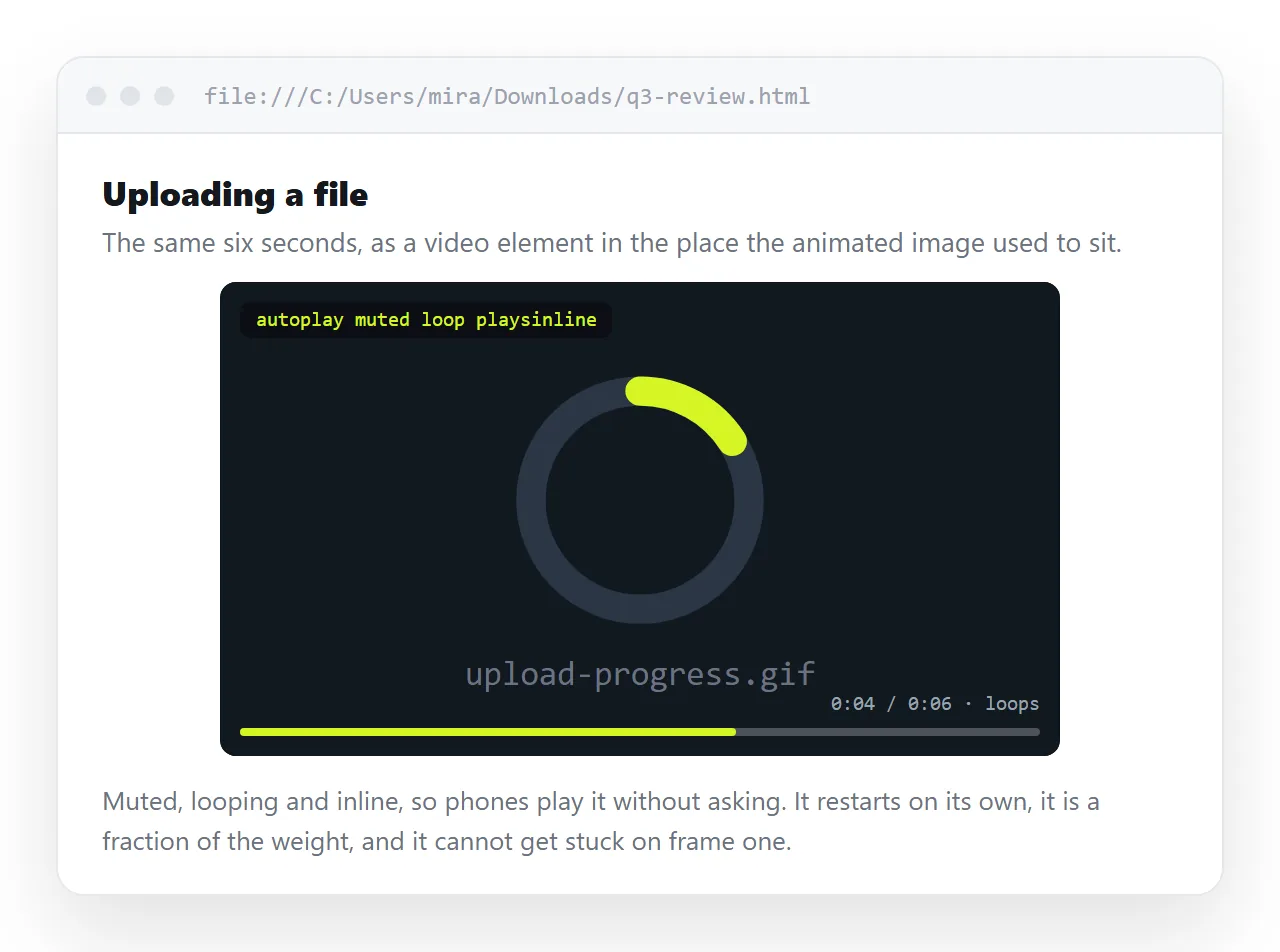
For anything beyond a couple of seconds, a muted looping video is the better choice, and the gap is large.
| GIF | Muted looping MP4 | |
|---|---|---|
| File size for 10s of screen capture | Several megabytes | Often under 500 KB |
| Colours | 256 per frame | Full range |
| Playback control | None | Play, pause, seek |
| Loops | Set inside the file | loop attribute |
| Works in email clients | Usually | Usually not |
The markup is short:
<video autoplay muted loop playsinline poster="cover.png">
  <source src="demo.mp4" type="video/mp4">
</video>
muted and playsinline are required, not optional. HTML video not autoplaying explains why the browser refuses without them.
Embedding a GIF into the file
A small GIF can be turned into a data URI and placed straight into the src, which removes any chance of a missing file.
Animation survives encoding, since the whole file including its frames and loop block is what gets encoded. Expect about a third more bytes than the original, so keep this for small assets. Base64 images covers the mechanics.
Sending a page with a GIF in it
The image is a second file, and sending the HTML alone means the reader gets a broken icon.
Paste the page into a NOS document and it renders at an address of its own, with the image served rather than looked up on a disk.
Turning HTML into a link is that step, and the animation runs for the reader the same way it runs for you.