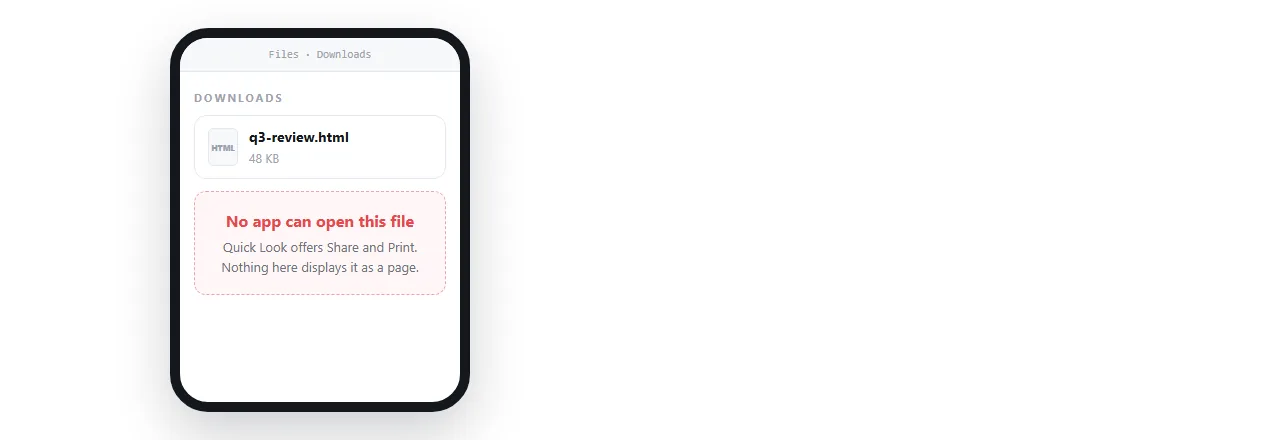
To open an HTML file on iPhone, give the HTML an address and open that in Safari, or paste the markup into a page that renders it. Tapping the file itself gives you a preview at best.
The behaviour is not a fault. iOS keeps files in storage and treats browsers as things that visit addresses, so a loose .html file has nowhere to be opened.
Everything below is a version of that one idea, which is why how to open an HTML file on iPhone always comes back to finding the page an address.
Three routes, and what each one gives you
| Route | Renders the page | Keeps images and scripts | Install needed |
|---|---|---|---|
| Open a link in Safari | Always | Yes | No |
| Paste the markup into a viewer page | Always | Yes, if the markup carries them | No |
| Preview the file in storage | Sometimes | Not reliably | No |
| A viewer app from the store | Varies | Varies | Yes |
The first row is the only one that also solves the next person's problem, because a link can be forwarded and a file cannot.
How to open an HTML file on iPhone right now
You have the file on the phone and you need to read it in the next minute.
- Find it in storage. Mail and chat attachments are saved, not opened.
- Tap it. If the page appears and looks right, you are finished.
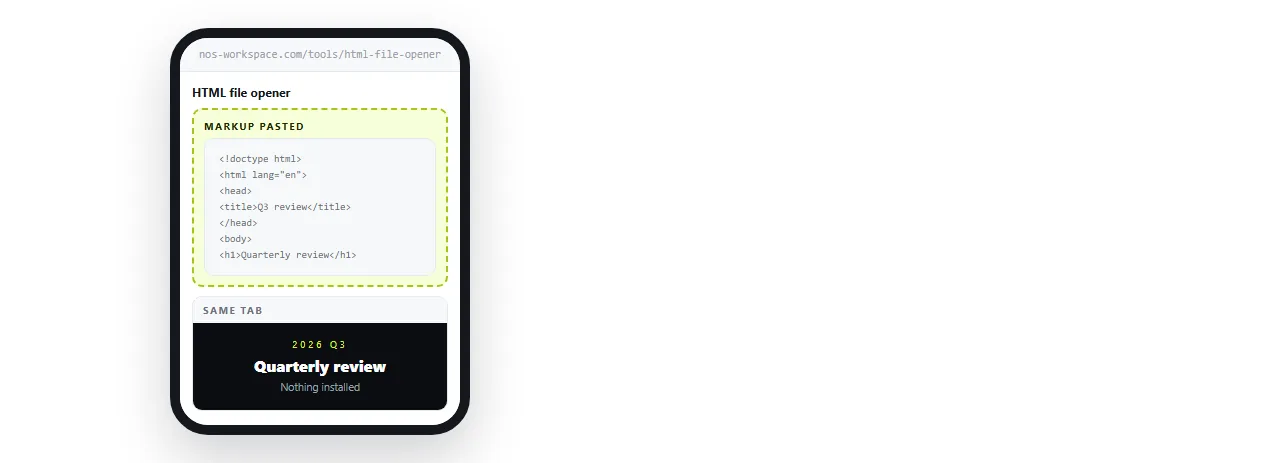
- If it is blank, unstyled or missing pictures, get the markup onto the clipboard. Open it as text, select all and copy, or copy the HTML out of the chat that produced it.
- Paste it into the HTML file opener in a Safari tab. The page renders there.
- To keep it, paste it into a NOS document instead and create a share link. Then it has an address you can reopen on any device.
If the file has to open on a handset first, Opening an HTML file on a phone covers what changes.
What the preview does and does not do
A preview renders the markup you handed it, with no address behind it. That distinction explains the symptoms people report.
Text with no styling means the stylesheet was a separate file that never arrived. External stylesheets covers it.
Empty boxes where images should be means the pictures are referenced by folder path. Images not showing has the fix, and base64 images is the version that travels.
A chart that never draws means a script needs the network, or the file was truncated on the way in.
None of these are the phone refusing. They are a page arriving without the things it expects to find beside it.
Run it through the HTML viewer to confirm it renders.
The route that stops the problem recurring
If HTML keeps arriving as attachments, the fix belongs on the sending side.
- Paste the HTML into a NOS document. It renders as written, including charts and dark theme.
- Create the share link. Share, then Share link, then Create link. Unlisted by default.
- Send the link instead of the file. One tap on a phone, no storage, no version drift.
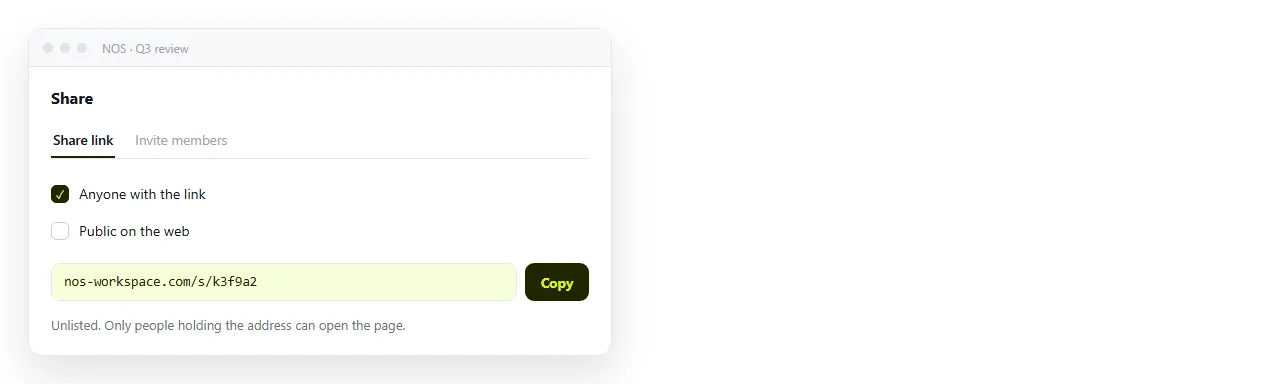
Turning HTML into a link is that sequence, and why links beat attachments is the argument to forward to whoever keeps sending files.
Reading it comfortably once it opens
Rendering is only half the job. A desktop page on a phone screen is often unreadable for a different reason.
- No viewport line. Without the viewport meta tag the phone renders a desktop width and shrinks it.
- Fixed pixel widths. A table built for a wide screen forces sideways scrolling. Media queries are the fix.
- Tiny text. Same cause. The page was scaled down rather than laid out for the screen.
Pages produced by an assistant hit this often. AI HTML and mobile layout covers what to change.

Why a cloud drive link is not the shortcut
Uploading the file to a drive and opening the drive link on the phone is the most attempted workaround, and it rarely produces a page.
A drive is built to show files. Handed markup, it shows a file view or the source text, because serving arbitrary HTML from user storage as a live page is a security decision the drive has already made.
The address exists, but nothing is rendering the page behind it. HTML files in Google Drive covers what happens there in detail.
The same applies to chat apps. A file posted in a channel becomes a card, and tapping it downloads rather than renders. Sending an HTML file in Slack is that case.
When you are the one sending
A quick checklist before an .html file leaves your hands for a phone.
- Does it survive alone? Open it in a window that has never seen the project folder.
- Are images embedded or on full addresses?
- Is there a
<title>? It is what preview cards show. - Is the viewport line present?
- Could this be a link instead? In almost every case the answer is yes, and it removes all four questions above from the reader's side.
If you want to compare the phone routes head to head, the best way to open an HTML file on iPhone ranks them with the trade offs spelled out.