The best way to open an HTML file on iPhone is to open it at an address in Safari. Every other route is a way of coping with a file that does not have one yet.
Below is the full ranking, scored on the only thing that matters when you are standing in a corridor with a phone: does the page appear, with its styling.
The best way to open an HTML file on iPhone, ranked
| Rank | Route | Page renders | Install | Survives the next edit |
|---|---|---|---|---|
| 1 | A link to the page | Always | No | Yes |
| 2 | Paste the markup into a viewer page | Always | No | No |
| 3 | A viewer app from the store | Varies | Yes | No |
| 4 | Preview the file in storage | Sometimes | No | No |
| 5 | Mail it to yourself again | No | No | No |
The bottom two are the ones most people attempt first, which is why this page exists.
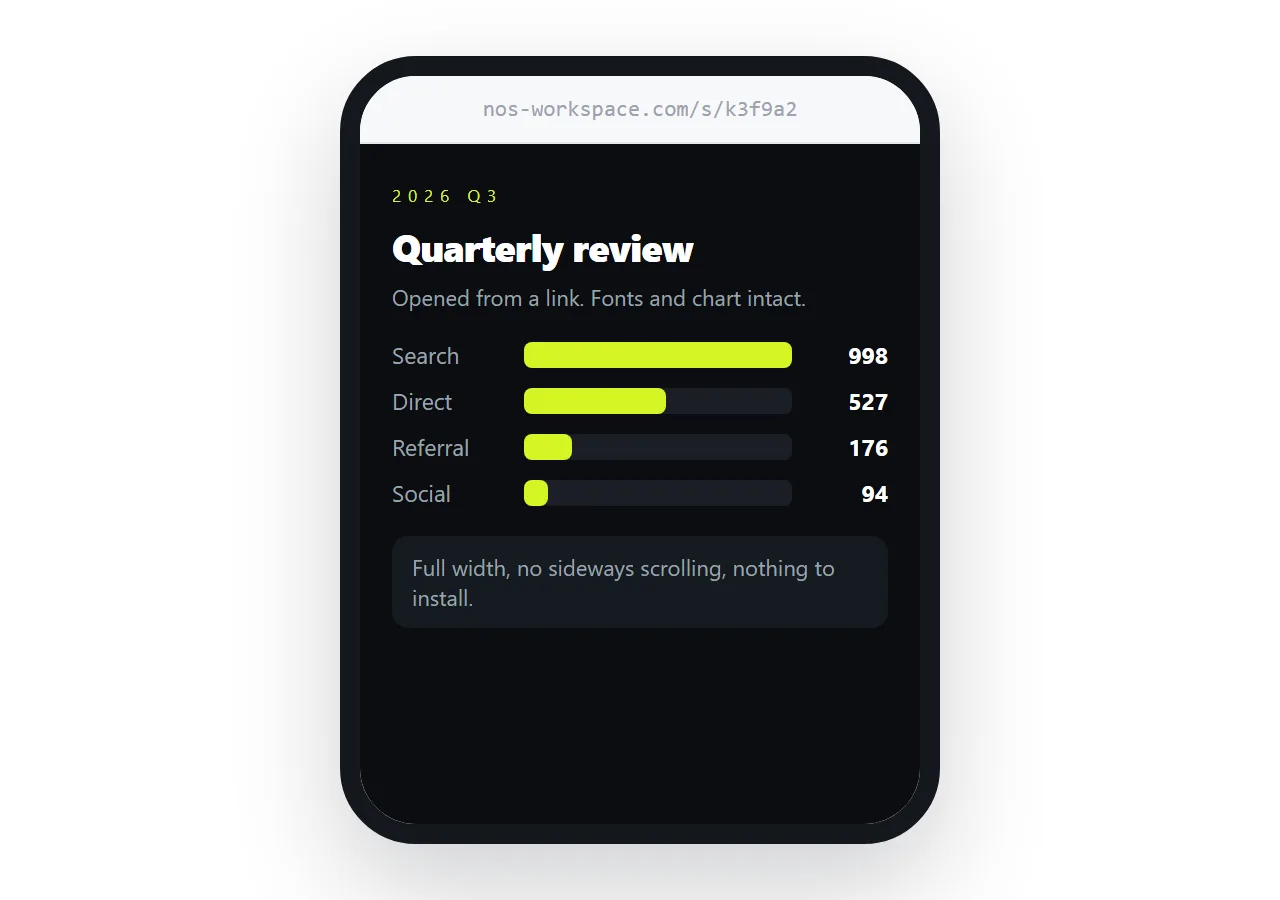
1. A link to the page
The page is served from an address, so Safari treats it as a page and nothing about your file matters any more.
Relative paths resolve, scripts run, the viewport line applies. The same link works on a laptop, can be forwarded, and still points at the current version after a correction.
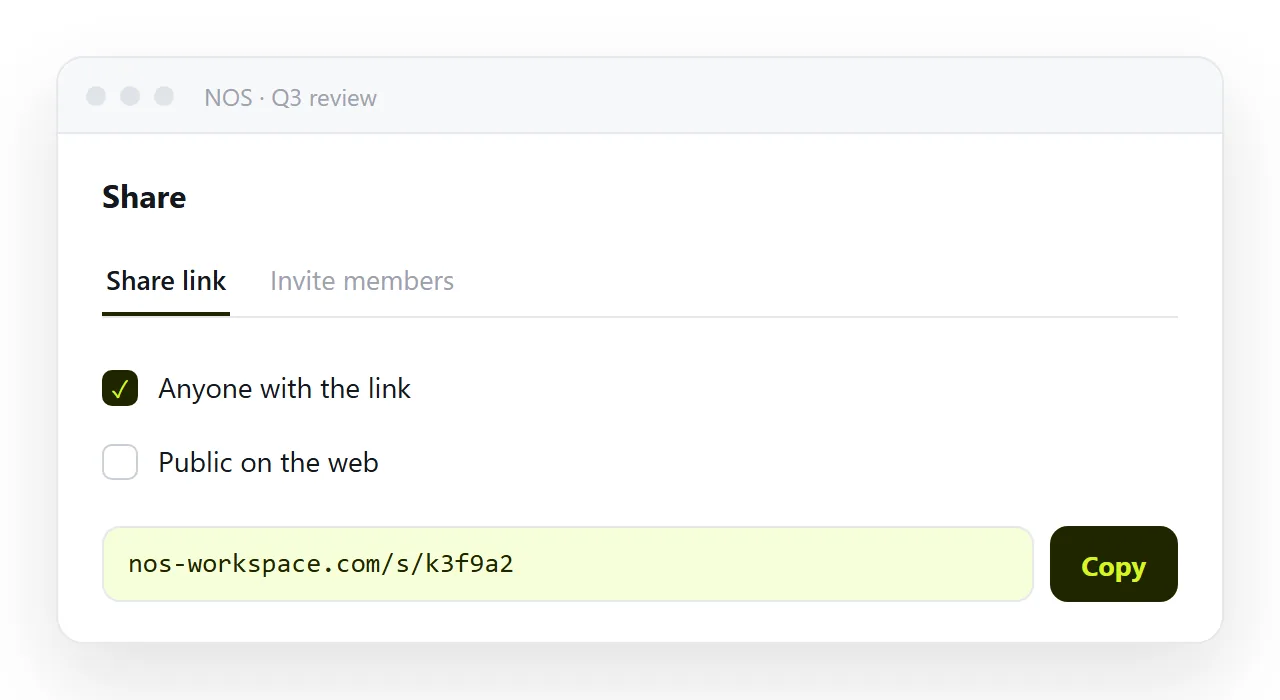
To produce one: paste the HTML into a NOS document, then Share, Share link, Create link. It is unlisted by default, so only people with the link can open it. Turning HTML into a link is that sequence on one page.
The cost is that the content has to leave the file, which takes one paste.
2. Paste the markup into a viewer page
Second because it always renders and needs nothing installed, and only second because the result is a copy in a tab.
Open the HTML viewer in Safari, paste, read. Close the tab and the copy is gone, which is the right behaviour for a one off and the wrong one for a document you rely on.
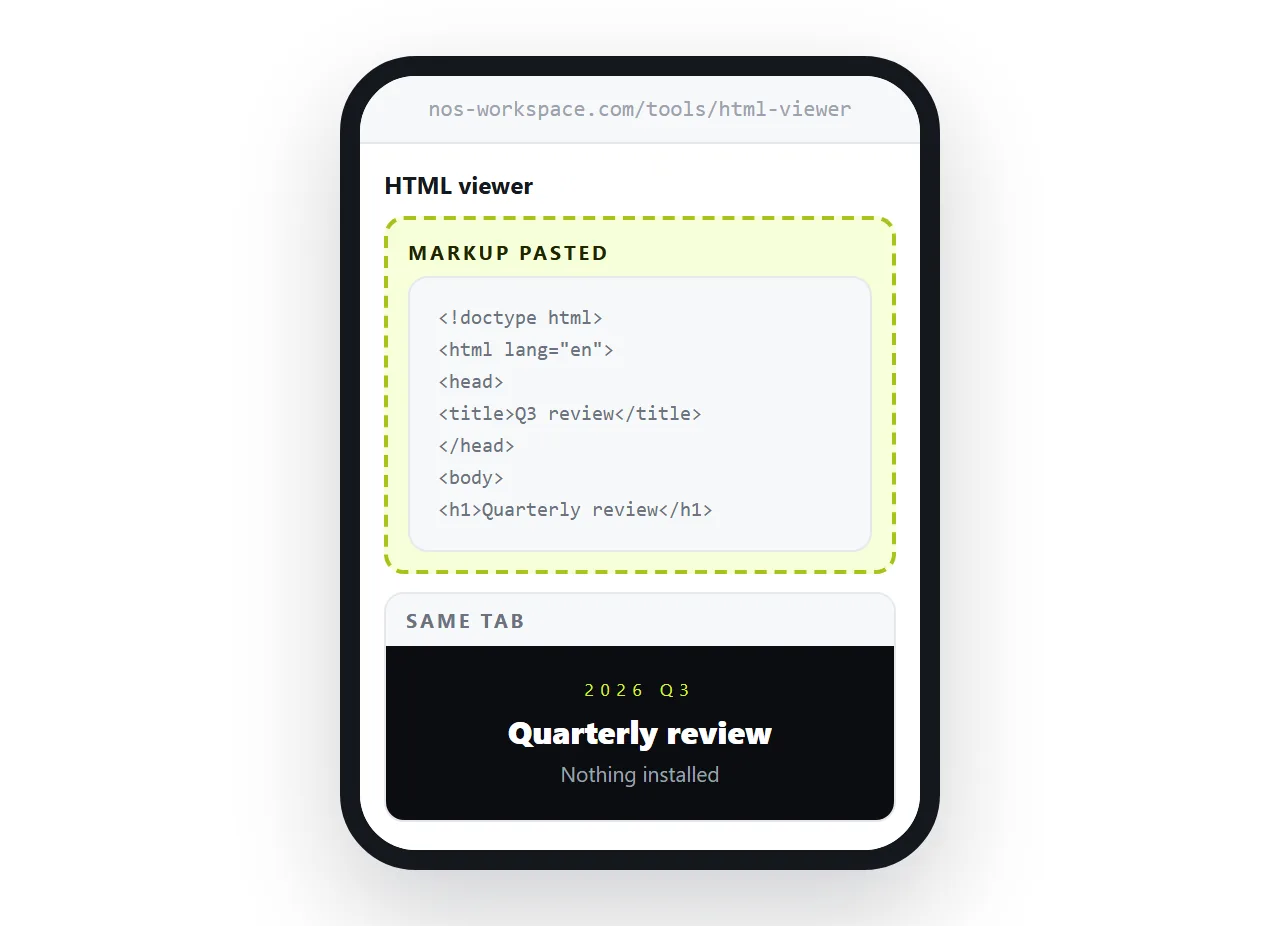
Use it when the page was sent to you once and will not be sent again.
3. A viewer app from the store
A dedicated app can browse local storage and render files, which is genuinely useful if you handle loose HTML often and offline.
Two caveats. Rendering quality varies between apps, so a page with modern CSS may not look the way it does in Safari. And you are granting file access to something in exchange for a job a browser tab already does.
HTML viewers for iPhone goes through what to check before installing one.
4. Preview the file in storage
Tapping the file gives you a preview, and for a plain page that is often enough.
It is fourth because there is no address behind it. Anything the page expects to find beside it, a stylesheet, a logo, a font, is not there, so you get text with no styling or blank rectangles.
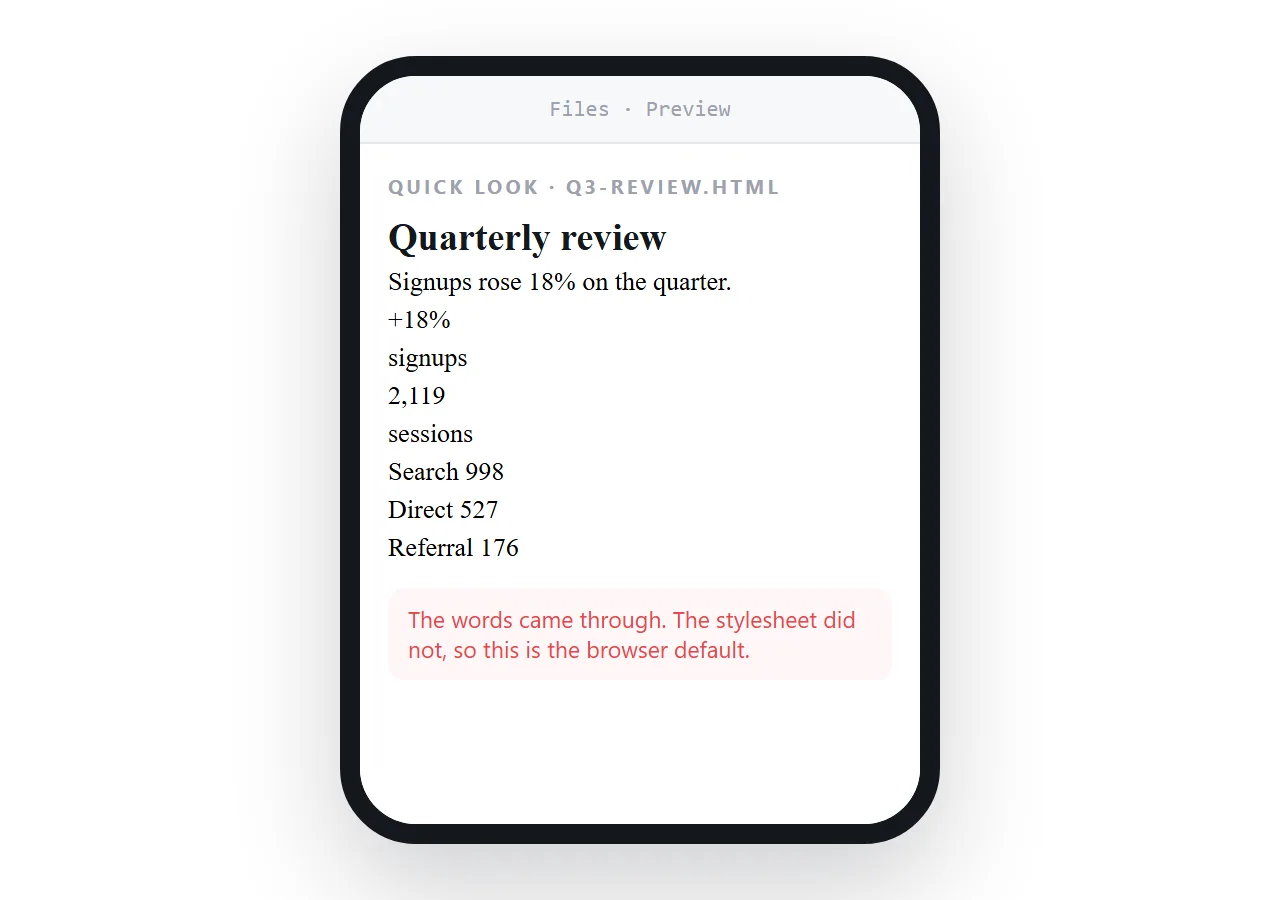
Scripts are not guaranteed to run either, so charts and interactive tables are the first casualties.
5. Mail it to yourself again
It is on the list because people do it, and it changes nothing.
The file arrives as an attachment, lands in storage and stops, exactly as it did the first time. Mail gateways strip .html attachments often enough that it may not arrive at all.
Picking by situation
- Someone sent you a report and you are on a train. Paste the markup into the viewer. It renders offline, if the page carries its own assets.
- You will reread it weekly. Create a share link and bookmark it, so the same address always has the current numbers.
- The page came out of an assistant chat. Copy the complete markup and paste it into a document. Saving a Claude artifact covers the copy step.
- Images are missing however you open it. The file is the problem, not the phone. See images not showing.
- Text is microscopic. Add the viewport meta tag and it lays out at the real screen width.
What this ranking actually says
Four of the five routes are attempts to make a phone behave like a desktop with a file manager and a browser wired together. It does not, and it will not.
The first route accepts that and works with it. A file is bytes, a page is bytes plus an address, and the phone only deals in the second.
Giving the HTML an address takes one paste, and it fixes the problem for everyone you forward it to as well.
If you are the sender, the ranking collapses
Everything above is triage for a file that should not have been a file.
From the sending side there is one decision: put the page at an address and send that. The reader taps once, on any device, with no instructions attached.
It also removes the version problem. A file sent on Monday and corrected on Tuesday means two copies in circulation and no way for the reader to know which is current. A page corrected at the same address has no second copy.
Why links beat attachments is the fuller argument, and sharing an HTML file ranks the sending routes the way this page ranks the opening ones.