An HTML viewer for iPhone is worth installing only if it does something a Safari tab cannot. Safari already runs scripts and applies modern CSS, so a viewer earns its place on the delivery side, by reaching files the browser cannot reach.
That narrows the decision considerably. Below are the four checks, the two no install routes, and the case where neither is the right answer.
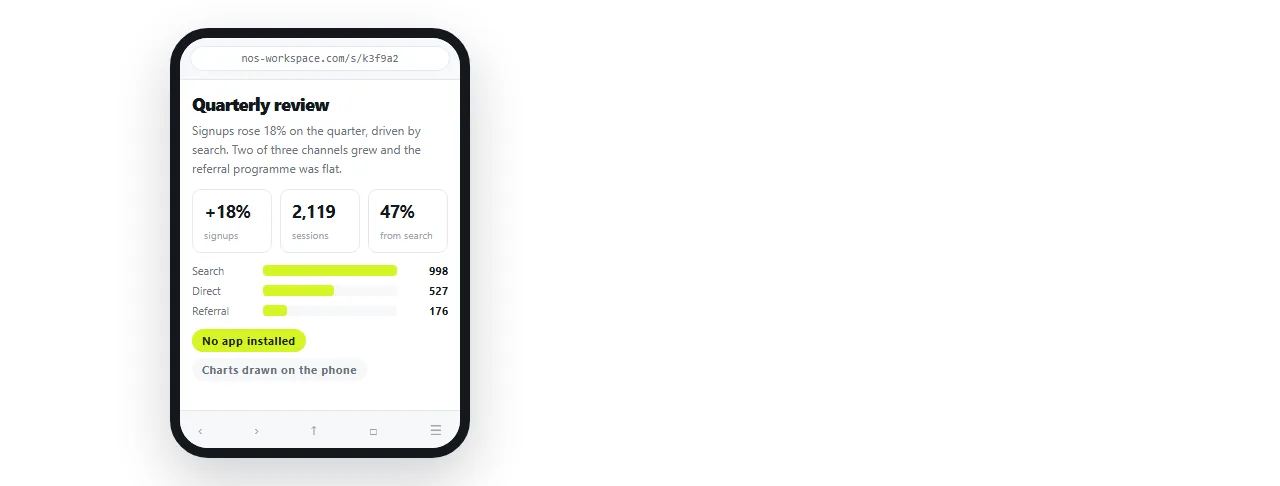
Four checks before you install one
- Does it run scripts? Charts, tab strips and sortable tables are drawn by code. A viewer that blocks it shows you empty space and you blame the file.
- Does it render modern CSS? Grid and flex layouts collapse in a weak renderer, and the page looks broken through no fault of its own.
- Can it reach neighbouring files? A page with a separate stylesheet renders unstyled unless the viewer can import the folder.
- What access does it ask for? You are granting storage access for work a browser tab does without any.
A viewer that fails the first two is strictly worse than what the phone already has.
HTML viewer for iPhone: the options compared
| Option | Scripts and modern CSS | Install | Reaches local folders | Current next week |
|---|---|---|---|---|
| Viewer page in a Safari tab | Yes | No | No | No |
| File preview from storage | Not reliably | No | No | No |
| Installed viewer app | Varies | Yes | Sometimes | No |
| Page at a shared address | Yes | No | Not needed | Yes |
When the reader is on a phone, Opening an HTML file on a phone is the relevant case.
Route one: a viewer page, no install
Paste the markup into the HTML viewer in a Safari tab and it renders there.
This covers the common case: someone sent you a page, you need to read it now, and you will not need it again. It runs scripts and applies the page's own styling, because it is a real browser tab.
The limit is that it keeps nothing. Close the tab and the copy is gone.
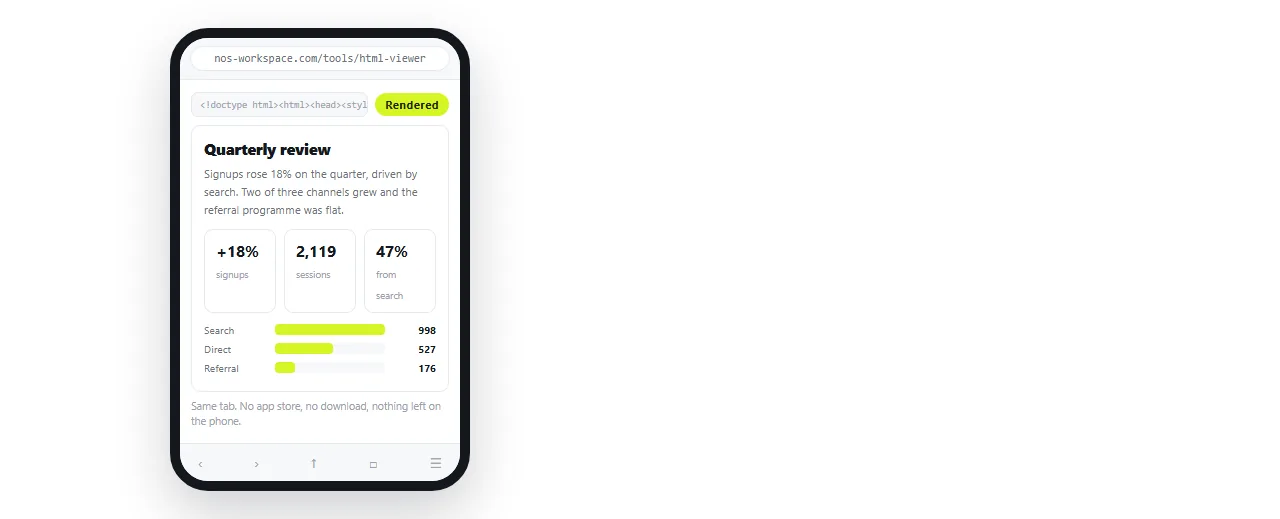
If you want to change something while reading, the HTML file opener keeps the markup in reach, and the online HTML editor shows source and result together.
Route two: the file preview
Tapping a file in storage produces a preview, and for a plain page it is often enough.
It has no address behind it, which is the whole story. References to a stylesheet, a logo or a font that were meant to sit beside the page resolve to nothing, and scripts are not guaranteed to run.
Treat it as a first attempt worth ten seconds, not as a viewer.
Why files render unstyled in every viewer
This is the most common complaint about viewers, and the viewer is rarely at fault.
- Unstyled text. An external stylesheet stayed behind on the desktop.
- Blank rectangles. Images referenced by folder path. Base64 images is the form that travels.
- Blank page. A script failed, or the markup was cut off in transit.
- Wrong typeface. A web font that could not load. See fonts not loading.
Self contained HTML is what to ask the sender for. A file that carries its own assets renders identically in every option on this page.
Readability, which is a separate problem
A page can render perfectly and still be unusable on a phone screen.
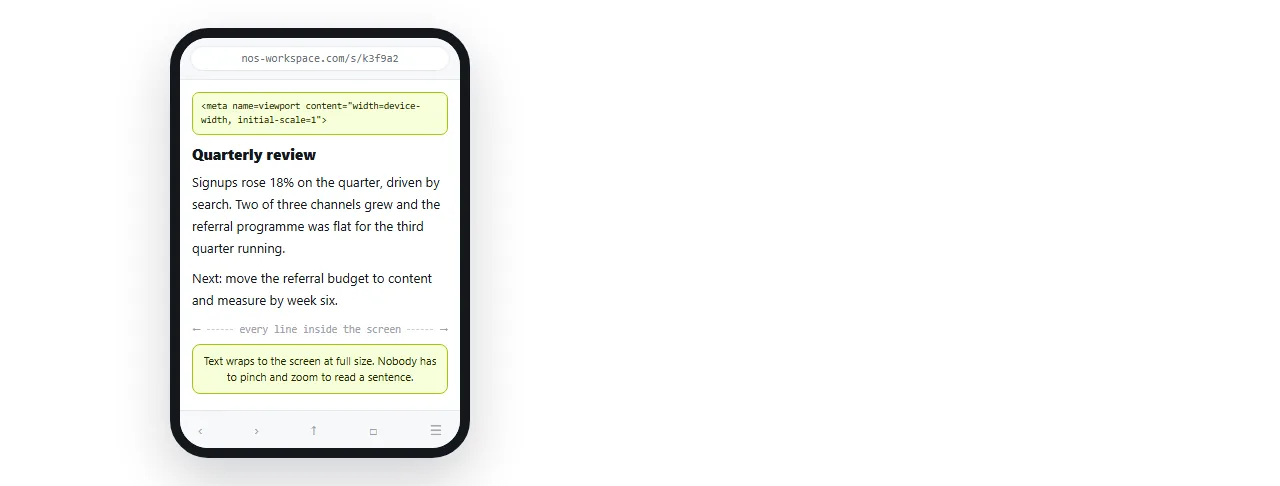
No viewport line. Safari assumes a desktop width and scales everything down. The viewport meta tag fixes it in one line.
Fixed pixel widths. A wide table forces sideways scrolling. Media queries let the layout change below a threshold.
Hardcoded light colours. The page fights the phone at night. Dark mode CSS covers the handling.
Pages written by an assistant hit all three regularly, which AI HTML and mobile layout goes through.
The offline question
Offline reading is the one argument that genuinely favours an installed viewer, and it is narrower than it sounds.
A tab that has already rendered keeps what is on screen. You can read a report on a train after loading it at the station.
What breaks offline is anything the page fetches later: a chart library from a remote address, images on full addresses, a web font. Those fail whether you are in an app or in a tab.
So the offline question is really a question about the file. A page that carries its own styles and images reads offline anywhere. A page that reaches out for half its content reads nowhere without a connection.
Self contained HTML is the property to ask for, and it makes the viewer choice much less important.
When no viewer is the right answer
If the document is something you read more than once, a viewer is the wrong category of tool. It shows a copy from the moment it was sent.
- Paste the HTML into a NOS document. It renders as written, including charts and dark theme.
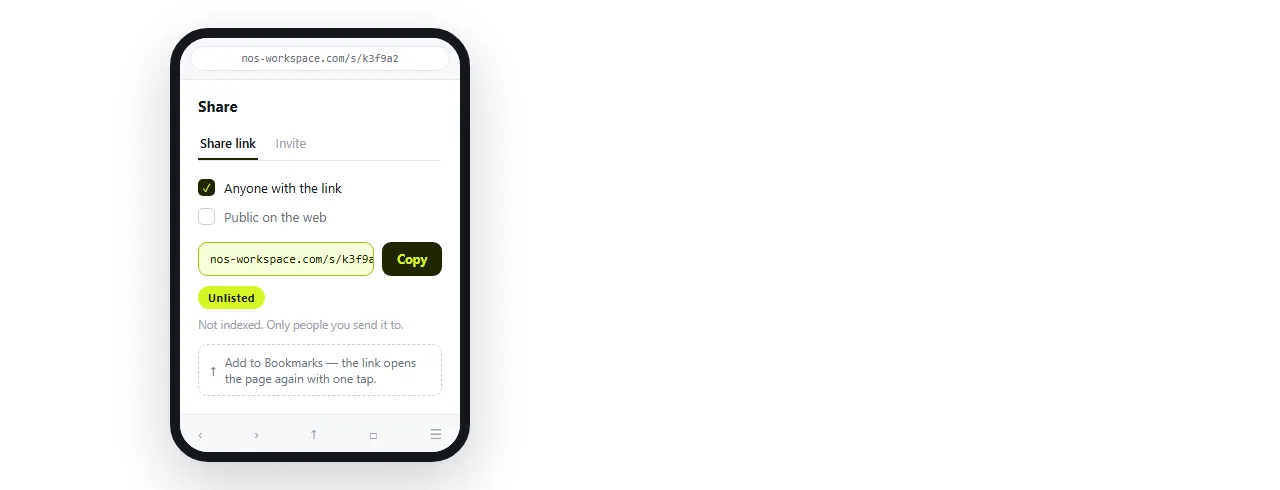
- Create the share link. Share, then Share link, then Create link. Unlisted by default.
- Bookmark it, or add it to the home screen.
- The author corrects the page in place. The address does not change, so your bookmark never goes stale.
The full ranking of phone routes puts the numbers on this. A viewer is second place for one off reading and last place for anything that gets revised, and most business documents get revised.