To view HTML files on iPhone, paste the markup into a page that renders it, or open the page at an address. Safari renders whatever a desktop browser renders, so the difficulty is never the display, it is the delivery.
How to view HTML files on iPhone therefore depends on how many files there are and whether you will need them again. Those three cases are the structure of this page.
None of them require an install, and one of them stops the problem coming back.
The three cases
| You have | Route | Keeps working later |
|---|---|---|
| One file, read it once | Paste into a viewer page in Safari | No, the tab is the copy |
| Several linked files | Serve them from an address | Yes |
| A page you will reopen | Create a share link and bookmark it | Yes, and it stays current |
| A file someone keeps resending | Ask for a link | Yes, and their edits reach you |
How to view HTML files on iPhone: case one, a single file
The fastest route, and it needs nothing installed.
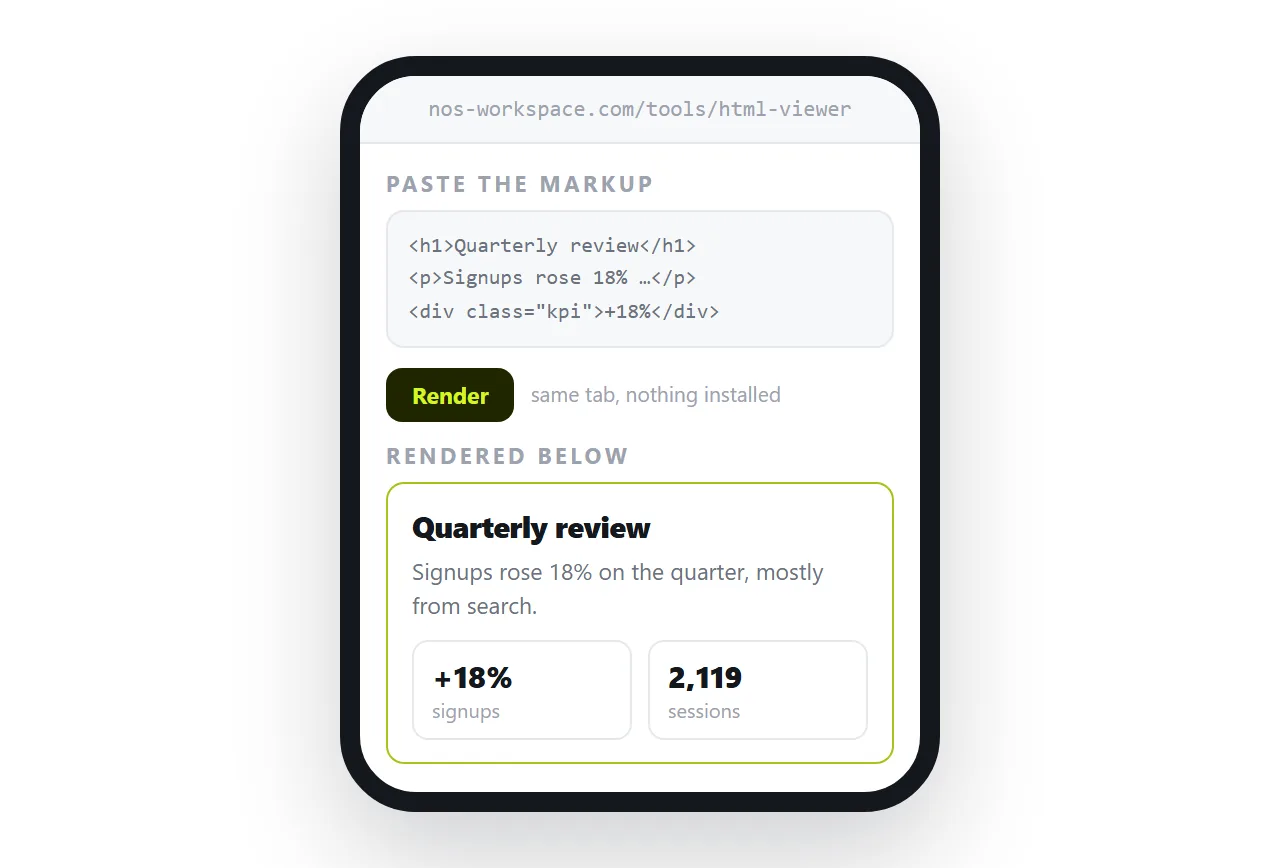
- Copy the markup. Open the file as text and select all, or copy the HTML from the chat or mail it came from.
- Open the HTML viewer in Safari.
- Paste. The page renders in the tab, with styling and scripts applied.
- Read it, then close the tab. Nothing is stored, which is the point when the content is one off.
If you also want to correct something while you are there, use the HTML file opener instead, or paste into a document where the text stays clickable.
The handset version of this problem is in Opening an HTML file on a phone.
Case two: several files that link to each other
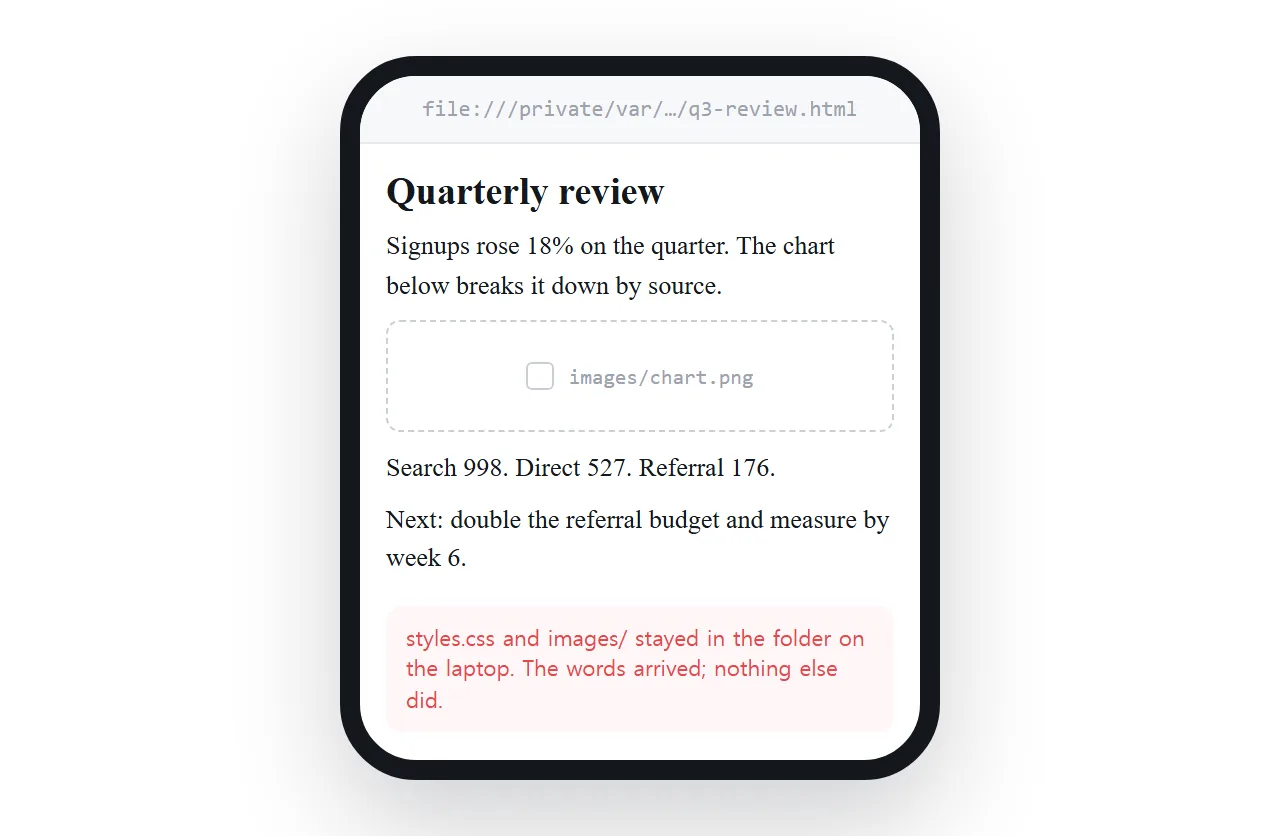
A report split across pages, or an export with a stylesheet and an images folder, is the case that frustrates people most.
Each page expects its neighbours at a relative path. Move one file to a phone and every one of those references resolves to nothing, so links between pages dead end and shared styling vanishes.
There are two honest fixes, and both happen before the files reach the phone.
- Make each page self contained. Styles inline, images embedded, no external references. Self contained HTML and base64 images cover the mechanics.
- Serve the set from an address. Then relative paths work the way they were written, because there is a real location behind them. Relative versus absolute paths explains which references break.
Case three: a page you will come back to
Reading it once in a tab is fine until you need it on Tuesday.
- Paste the HTML into a NOS document. It renders as written, charts and dark theme included.
- Create the share link. Share, then Share link, then Create link. Unlisted by default.
- Bookmark the link, or add it to the home screen. It opens like any other page.
- Correct the page in place. The text in the rendered page is clickable, so a wrong number is a tap and a retype. The address does not change.
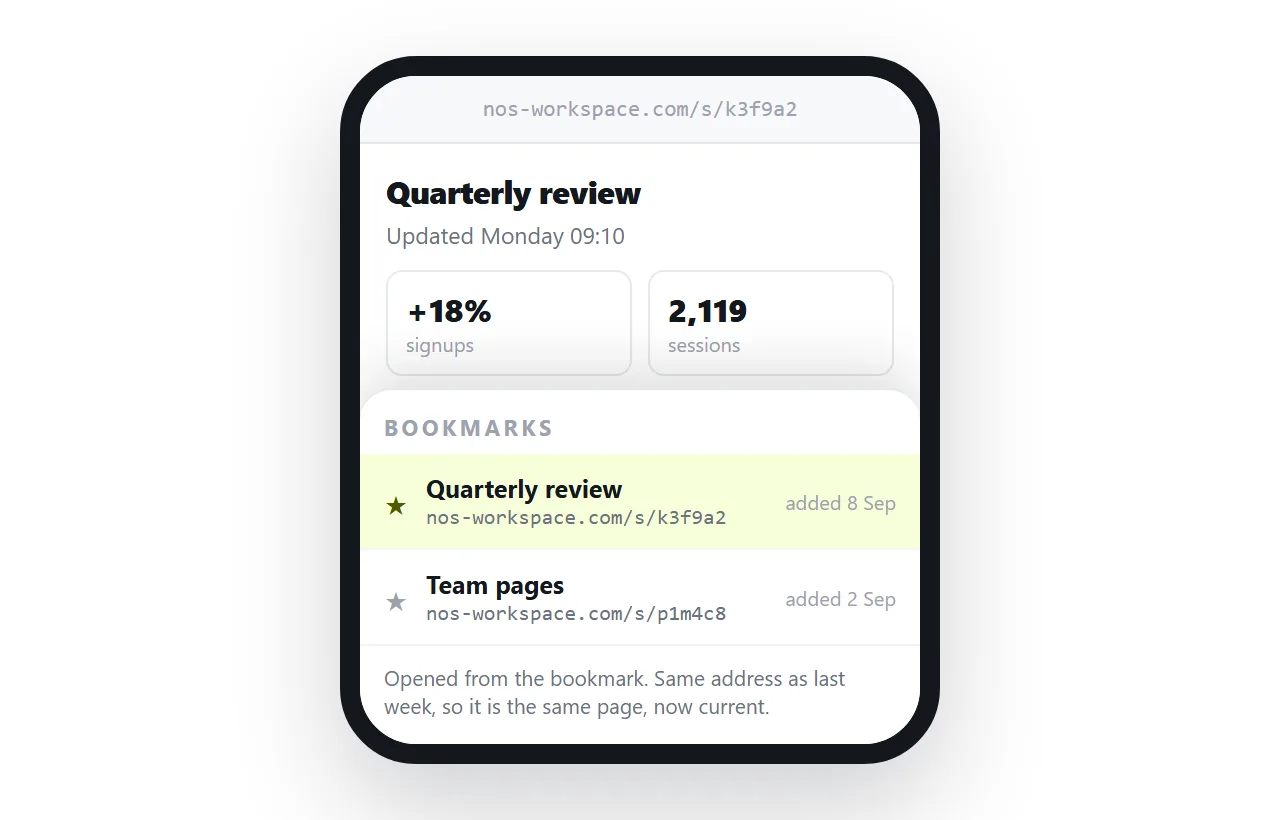
That last point is what a viewer cannot give you. A viewer shows a copy, and a document keeps a current version at a fixed address.
Why the file keeps not opening on its own
Worth knowing so you stop retrying the same thing.
Nothing on the phone claims .html the way a desktop browser does. The file is saved to storage rather than handed to a renderer.
Safari is pointed at addresses. There is no dependable path you can type that reaches local storage.
A cloud drive link does not fix it. Drives show file views for markup rather than serving it as a page. HTML files in Google Drive has the detail.
None of this is a phone limitation in the rendering sense. Once there is an address, the phone renders everything.
Reading comfort, after it renders
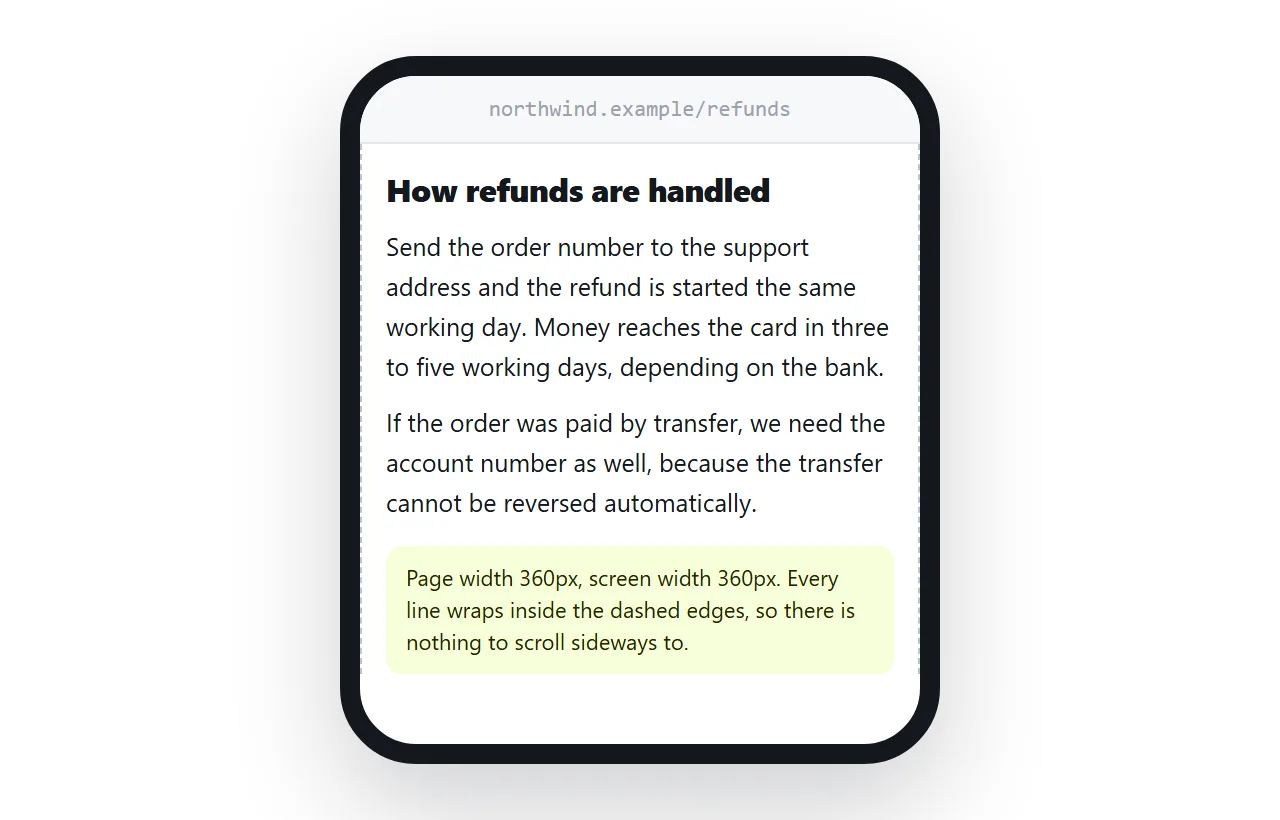
- Viewport line present? Without the viewport meta tag you get a shrunken desktop layout.
- Fixed pixel widths? They force sideways scrolling. Media queries fix the layout below a threshold.
- Dark mode behaving? A page with hardcoded light colours will fight the phone. Dark mode CSS covers it.
- Tables too wide? Consider a link to a version built to be read, or a table that can be edited on the page.
Three things a tab cannot do
Pasting into a viewer page covers reading. It does not cover the rest of what people do with documents, and it is worth knowing the edges before you rely on it.
It does not keep anything. Close the tab and the copy is gone. If you need it on Tuesday, case three is the one you want.
It does not update. What you pasted is what you have, so a correction by the author never reaches you.
It does not forward. You can send the file on, and the next person repeats every step you took. A link ends that chain.
For a one time read none of this matters. For a weekly report all three do, which is why the same content usually belongs at an address rather than in a tab.
What to ask the sender for
If HTML files keep arriving, one sentence back saves both of you the routine: ask for a link instead of the file.
A link opens in one tap, keeps the layout, survives mail filters and stays current when they fix something. A file does none of those, and every correction adds another copy to your storage.