The HTML show hide div based on dropdown pattern is one listener. On the change event of the <select>, hide every panel, then show the one whose id matches the selected value.
That is the entire mechanism. The parts people get wrong are the first render, the fields that keep submitting, and what happens when the same page is opened by someone else.
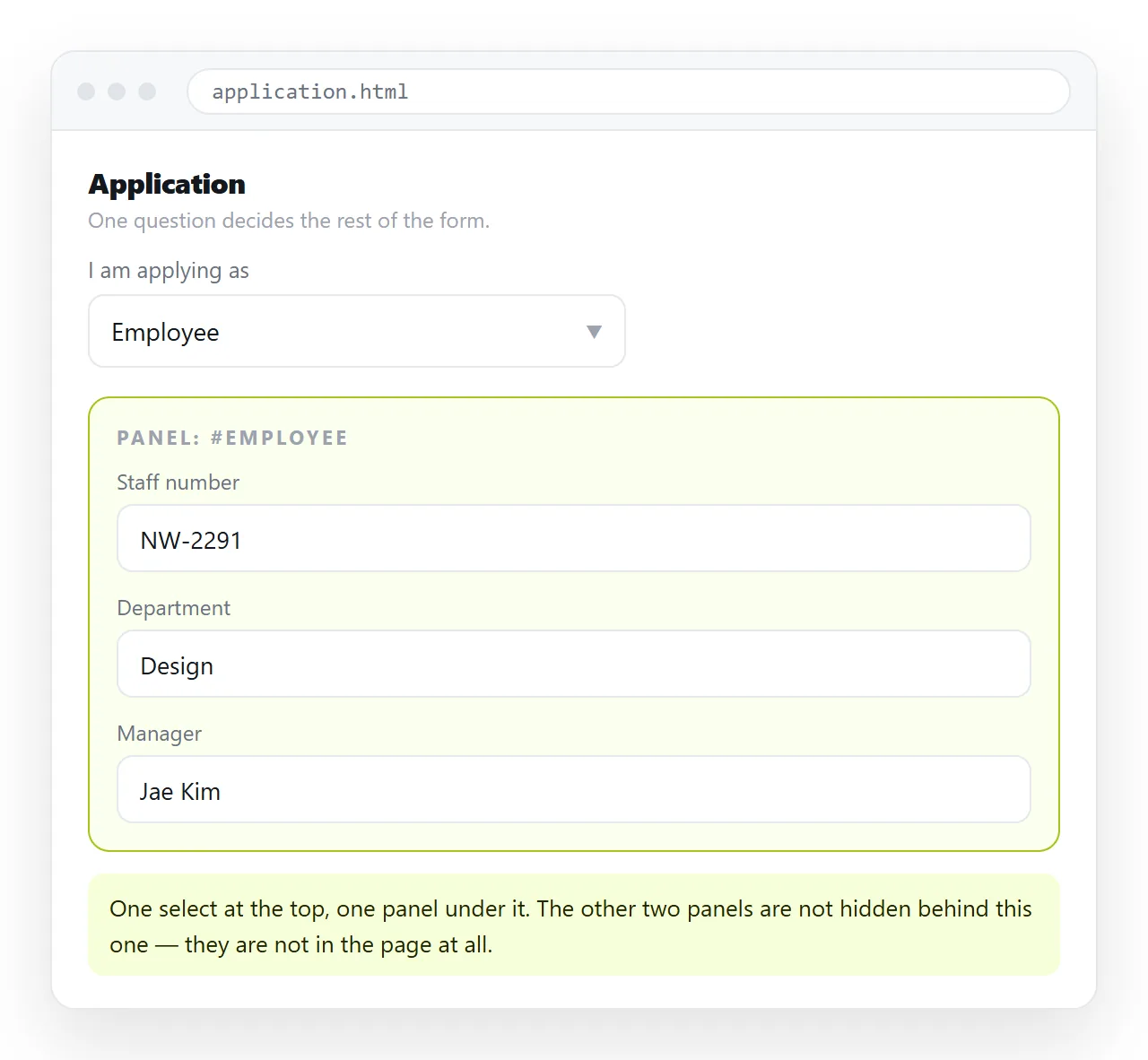
The HTML show hide div based on dropdown markup
Keep the option values short and stable. They are doing double duty as element ids.
<label for="kind">Document type</label>
<select id="kind">
  <option value="invoice">Invoice</option>
  <option value="quote">Quote</option>
  <option value="credit">Credit note</option>
</select>

<div id="invoice" class="panel">Invoice number, due date, payment terms.</div>
<div id="quote" class="panel">Validity period, discount, contact.</div>
<div id="credit" class="panel">Original invoice, reason, amount.</div>

<style> .panel { display: none; } .panel.is-shown { display: block; } </style>

<script>
  var sel = document.getElementById('kind');
  function sync() {
    document.querySelectorAll('.panel').forEach(function (p) {
      p.classList.toggle('is-shown', p.id === sel.value);
    });
  }
  sel.addEventListener('change', sync);
  sync();
</script>
The final sync() call is the line most snippets leave out. Without it the page renders with every panel hidden until the reader touches the dropdown.
Why the first render goes wrong
Browsers restore the previously selected option when a page is reloaded. They do not fire change when they do it.
So on a refresh the select says "Quote" while your script still believes nothing is selected. Calling the sync function once at the end of the script closes that gap.
The same applies when you set a default selected option in the markup. The attribute changes what is shown in the select, not what your script has run.
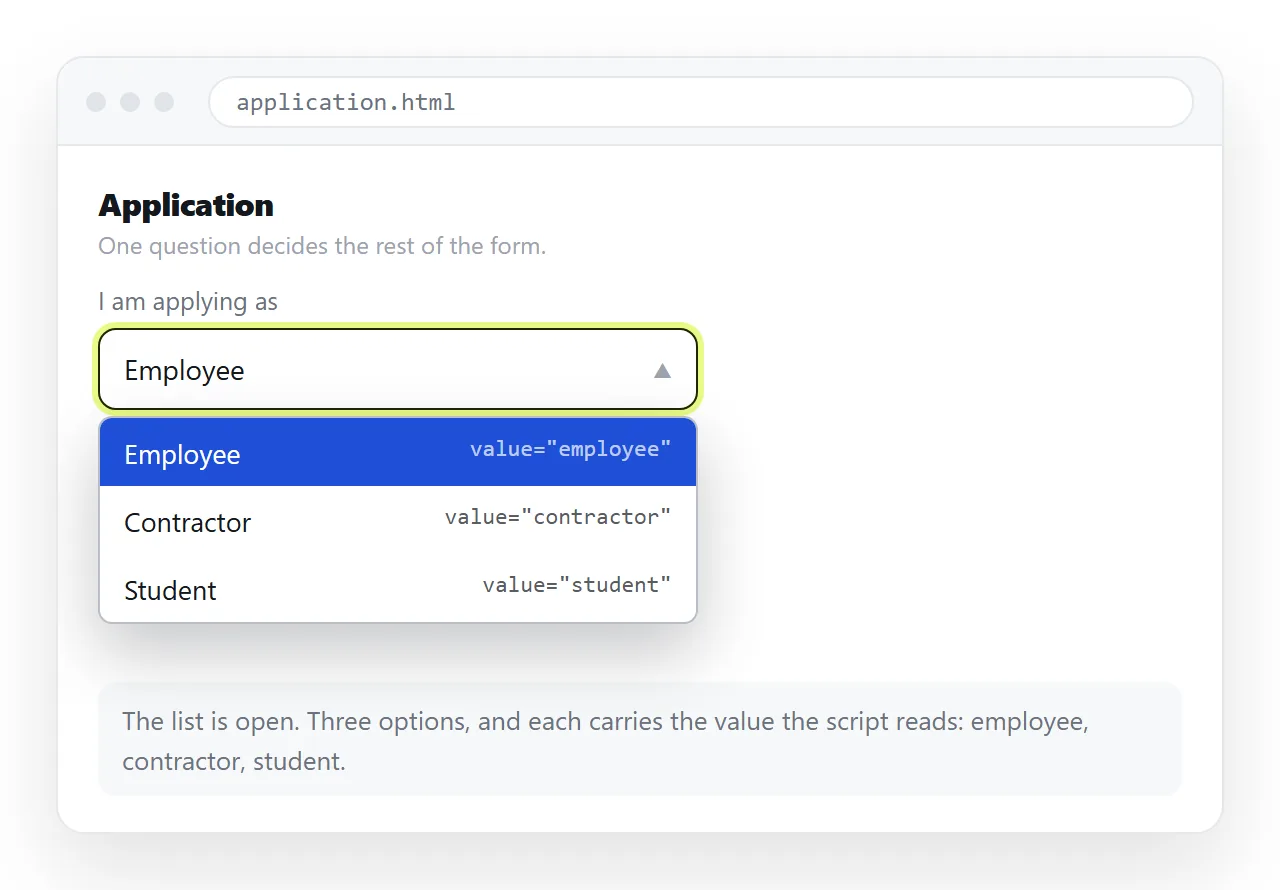
Hidden fields are still submitted
This one costs real money in real forms. A <input> inside a div with display: none is still a form control, and its value is still posted.
If you switch from Invoice to Credit note, the invoice fields are invisible and still travelling. Disable them:
function sync() {
  document.querySelectorAll('.panel').forEach(function (p) {
    var on = p.id === sel.value;
    p.classList.toggle('is-shown', on);
    p.querySelectorAll('input, select, textarea').forEach(function (f) {
      f.disabled = !on;
    });
  });
}
A disabled control is left out of the submission and is skipped by the tab order, which is the behaviour you want in both cases.
Which approach fits which form
| Situation | Approach | Script |
|---|---|---|
| Three or four options, one panel each | Id matching, as above | 5 lines |
| Options grouped into categories | data-panel attribute on each option |
6 lines |
| Two choices only | Radio buttons and :checked in CSS |
None |
| Panels that must animate | Class toggle plus a transition | 8 lines |
| Options loaded from data | Build the select, then sync | More |
Pick the row by how the options are likely to grow. Id matching is the shortest to write and the first to break, because it silently couples two things that look unrelated in the source: an option value and an element id.
The data-panel row costs one extra line and survives someone renaming a value six months later. On a form that anyone else will maintain, take it from the start.
The radio button row is worth reading twice. CSS can react to a checked radio and style a following sibling, so a two-way or three-way choice needs no script at all.
input#yes:checked ~ #yes-panel { display: block; }
That only works because the panel is a later sibling of the input. It cannot be done with <select>, because no CSS selector reads a select's current value.
Grouping options without one panel each
When several options share a panel, stop using ids as the link and put the target on the option.
<option value="gbp" data-panel="currency">Pounds</option>
<option value="eur" data-panel="currency">Euro</option>
<option value="btc" data-panel="crypto">Bitcoin</option>
Then read sel.selectedOptions[0].dataset.panel instead of sel.value. The panel ids no longer have to match the values, which keeps the values free for whatever the server expects.
Dependent dropdowns
A related request: the second dropdown's options depend on the first. Region picks a country, country picks a city.
Keep the full option set in the markup and filter it, rather than rebuilding the select from an array.
<select id="city">
  <option value="ber" data-for="de">Berlin</option>
  <option value="ham" data-for="de">Hamburg</option>
  <option value="lyo" data-for="fr">Lyon</option>
</select>
function filterCities() {
  var c = document.getElementById('country').value;
  var city = document.getElementById('city');
  city.querySelectorAll('option').forEach(function (o) {
    o.hidden = o.dataset.for !== c;
  });
  if (city.selectedOptions[0] && city.selectedOptions[0].hidden) city.value = '';
}
That last line matters. Hiding the currently selected option leaves the select showing a value the reader can no longer see, so clear it.
Support for hidden on an option is good in current browsers but not universal. Where it is ignored, remove the options instead and keep a copy of the full list.
Accessibility and the one attribute to add
The panels appear and disappear without the page reloading, so a screen reader user may not notice the change.
Mark the region as live:
<div id="panels" aria-live="polite">...</div>
Keep the label on the select itself, tied by for and id. A select with placeholder text but no label is announced with no name at all. Labelling controls covers the cases where a visible label is not wanted.
Testing it the way a reader sees it
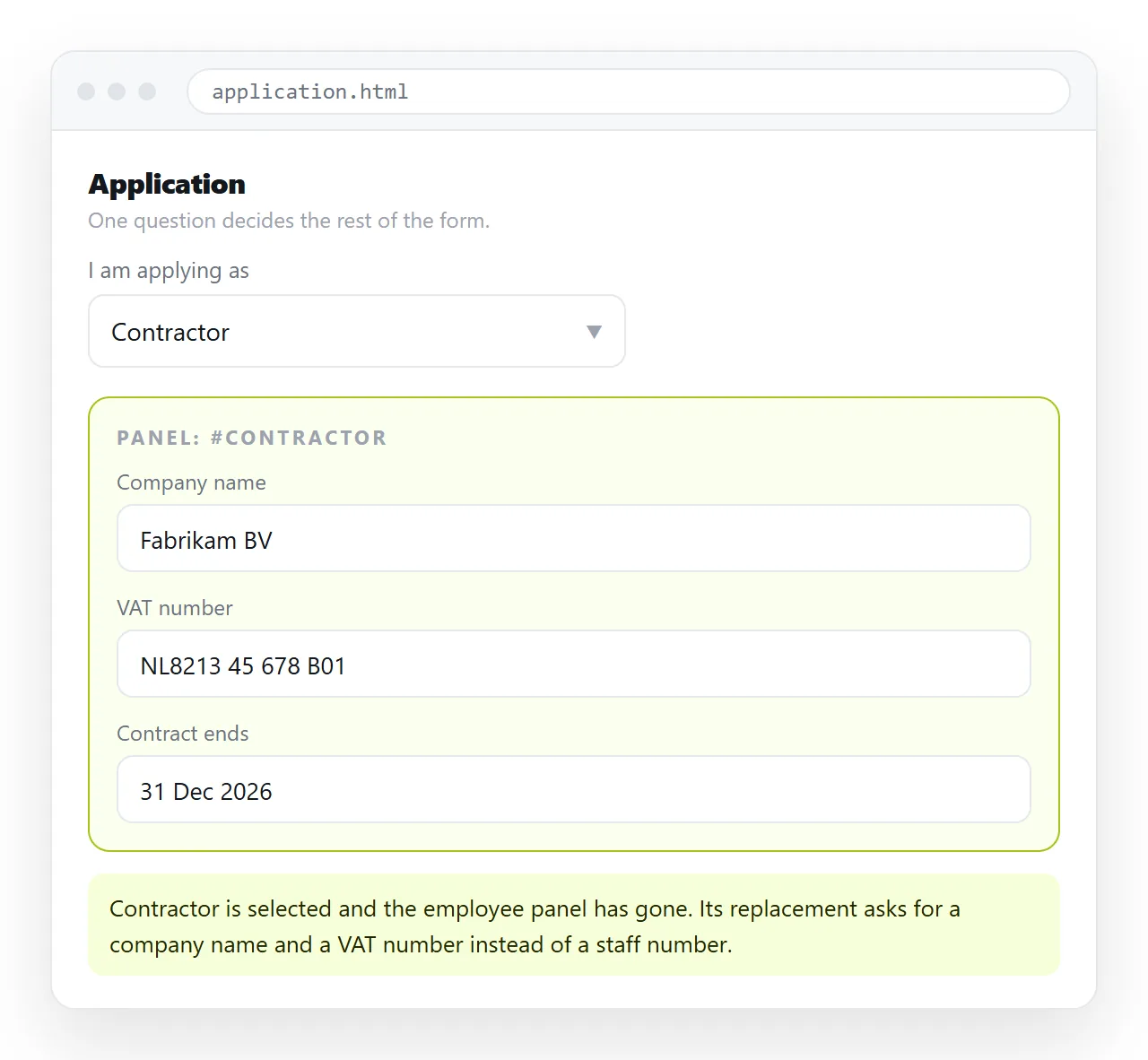
Open the file in the HTML file opener, change the dropdown through every option, then reload the page and check the panel still matches.
That reload is the test that catches the missing initial sync, and it is the one almost nobody runs.
Two more passes are worth the minute they take. Narrow the window to phone width and open the select, because a native picker covers most of a small screen and the panel underneath may be off screen when it closes.
Then submit the form with a panel hidden and check what arrived. If fields from the hidden panel are in the submission, the disabling step above is missing.
When it behaves, paste the HTML into a NOS document. The select, the listener and the panels all render at the document's own address, so the reader gets the working form rather than a file they have to download.
Editing later does not move the address. You can correct a label by clicking the text, or go back into the online HTML editor for the script. Turning the form into a link covers what to do with what people type into it.