The message Not allowed to load local resource means a page tried to pull in a file from your disk using a file:// address, and the browser refused.
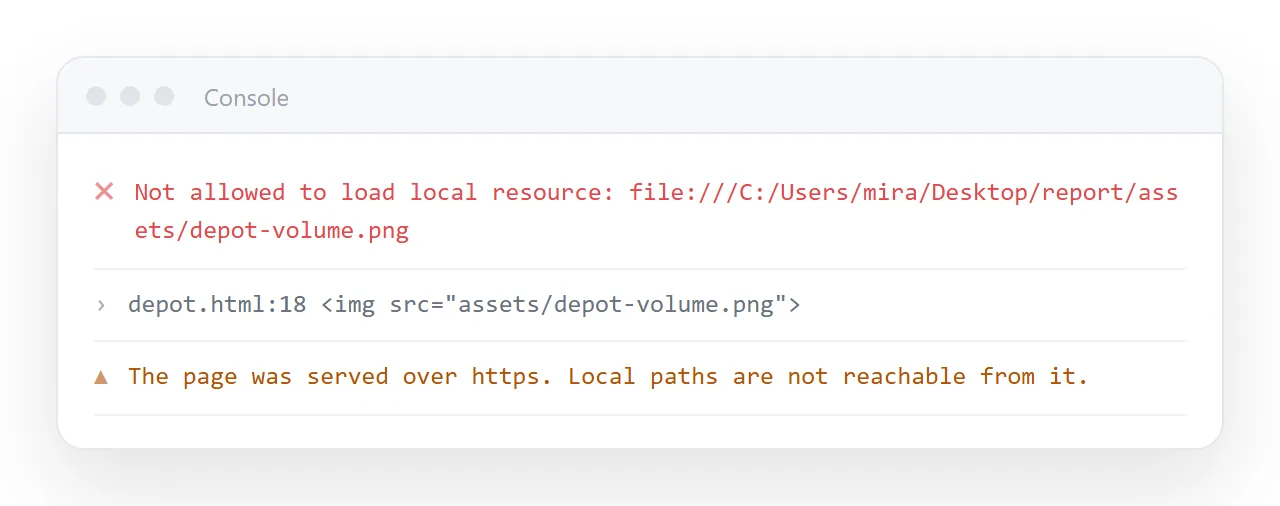
The refusal is a security rule, not a misconfiguration. Any page you visit could otherwise read files off your machine by guessing at paths.
Nothing you write in the HTML changes it. The fix is to stop pointing at the disk.
Where the reference usually comes from
You almost never type file:///C:/Users/... on purpose. It arrives by copying.
- Dragging an image into an editor that writes its full local path.
- An export from a design tool that references the original asset location.
- A markdown or word processor conversion that kept absolute paths.
- Pasting a path from the file manager address bar.
Open the page source and search for file:. Every hit is a reference that will fail for anyone but you, and often for you as well.
Which combinations are blocked
| Page loaded from | Asset referenced as | Result |
|---|---|---|
https:// |
file:///C:/... |
Refused, always |
http://localhost |
file:///C:/... |
Refused |
file:/// same folder |
relative path | Usually loads |
file:/// other folder |
file:/// path |
Often refused |
| any | data URI | Loads |
| any | https:// URL |
Loads |
The pattern is that the browser will follow a relative path next to the document, and will not follow an absolute path into your filesystem from a served page.
Why disabling browser security is not the fix
Search results will offer a command line flag that turns the check off. It works, and it is the wrong tool for two reasons.
First, the flag applies to every site open in that browser session, not only your page. You lower the wall around your whole machine to look at one file.
Second, it proves nothing about the page. Whoever you send it to will open it normally and see the same blank image you started with.
Route one: embed the asset
This is the smallest fix and it survives being sent anywhere.
Convert the asset to a data URI and put the result into the attribute directly. The bytes are then part of the HTML.
<img src="data:image/png;base64,iVBORw0KGgoAAAANSUhEUg..." alt="Revenue chart">
The same works inside CSS:
.hero { background-image: url("data:image/svg+xml;base64,PHN2Zy..."); }
Base64 images covers how to produce the string and when the size penalty matters. Roughly, expect about a third more bytes than the original file.
For icons and diagrams, inline SVG is better still. It is plain markup, so it needs no encoding at all and stays sharp at any size.
Route two: give the asset a real address
If there are more than a handful of files, embedding each one gets unwieldy.
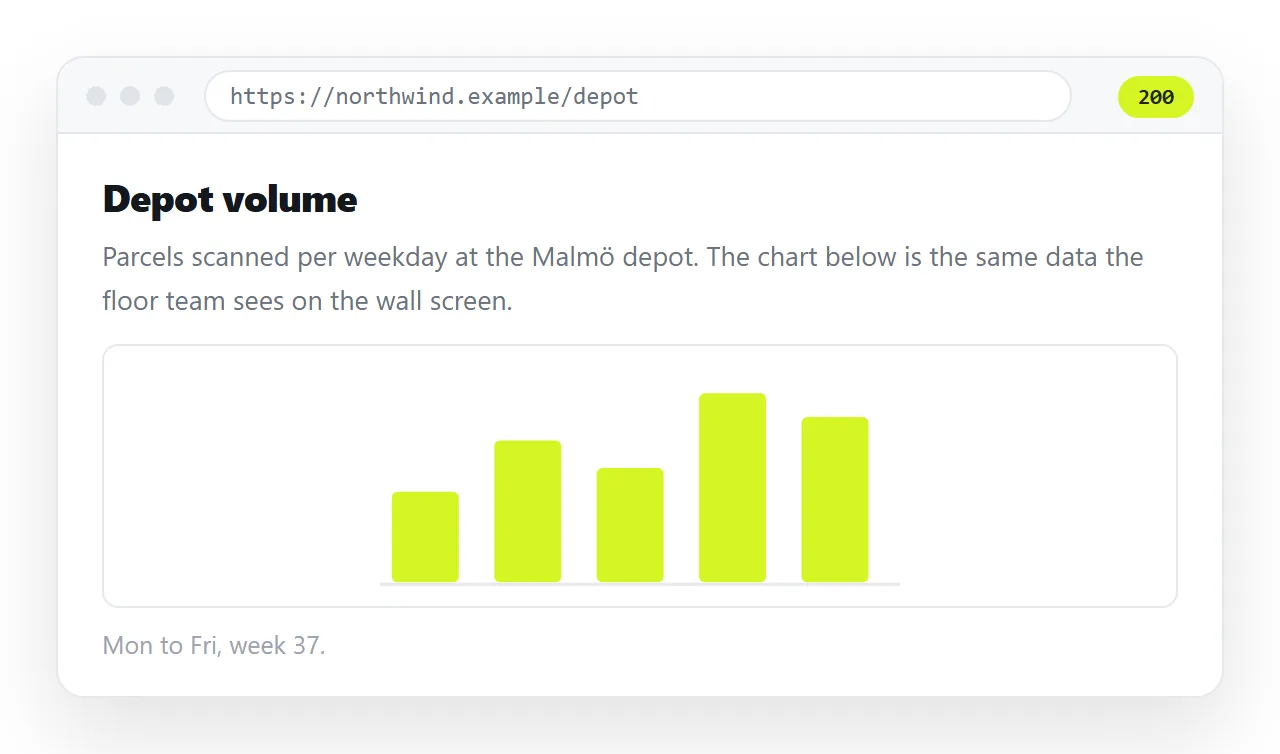
Upload the assets somewhere that serves them over https, then reference the full URL. At that point the browser has no local path to refuse.
Mind the protocol. An http:// asset on an https:// page is mixed content and gets blocked for a different reason, with a different console message.
Route three: serve the whole folder
When the page is one of several files that genuinely belong together, put the folder itself at an address.
Then every reference becomes a relative path resolved against that address, and nothing points at a disk.
This is also what removes the wider set of file protocol restrictions: modules, fetch, and canvas image reads all start working once the page is served rather than opened.
The variant that appears between two local files
The message also shows up when the page itself was opened from disk. That surprises people, because both files are sitting in the same place.
Browsers treat each local file as its own opaque origin. A document at file:///C:/reports/index.html reaching into file:///C:/assets/logo.png is a cross origin request, and it is refused.
References next to the document usually survive, because they resolve as ordinary relative paths. References that climb out of the folder often do not.
The behaviour differs between browsers and between versions, which is why the same file can work in one and fail in another. That inconsistency is itself a reason not to build around local paths.
Stylesheets, fonts and scripts, not only images
The rule is not specific to <img>. Anything the page fetches is subject to it.
- A
<link rel="stylesheet">pointing at a disk path leaves the page unstyled. - A
@font-facesrcpointing at a local font file falls back to a system font. - A
<script src="file:///...">produces a page with dead controls. - An
<iframe src="file:///...">renders an empty frame.
Each one fails quietly in its own way, so the symptom rarely looks like a security refusal. Check the console rather than guessing from the appearance of the page.
Checking your work
The mistake that repeats here is testing on the machine that has the files. Of course it works there.
Test somewhere with no access to your folder. Drop the file into the HTML file opener and look at what renders.
| Check | Passing looks like |
|---|---|
Search the source for file: |
No matches |
| Open in a window with no folder access | Images and styles intact |
| Console after reload | No refusal messages |
| Send to a colleague | They describe the same page you see |
Keeping it fixed after you send it
Once the page has no local references, it is self-contained and can travel as one file. That still leaves the delivery problem, since mail gateways treat .html attachments harshly.
Paste the page into a NOS document instead. It renders exactly as written at an address of its own, which also means any remaining relative reference resolves against that address rather than your disk.
Turning HTML into a link is the same step in one paste. Edits go into the document, and the address you sent does not move.