To convert ChatGPT HTML to text, render the HTML as a page first and copy from the page, not from the code block.
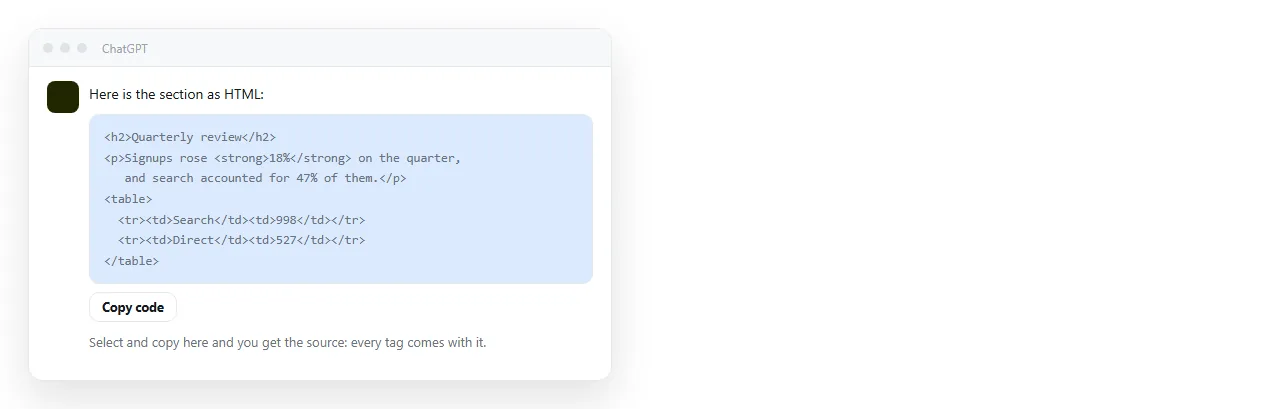
The code block holds the source. Every tag, attribute and inline style is part of what you copy. That is correct behaviour for a code block and wrong for what you want.
A rendered page holds the same content as visible text. Selecting it copies the words in reading order, with the table rows intact and the markup gone.
Four routes from ChatGPT HTML to text
| Route | What you get | Where it breaks |
|---|---|---|
| Copy the code block | The full source with tags | Not text, and not close to it |
| Render, then select and copy | Visible text in reading order | Hidden tabs and collapsed sections may be skipped |
| Ask the chat to output text | Text written for the purpose | The chat may reword rather than transcribe |
| Strip tags with a find and replace | Roughly the text | Breaks on scripts, styles and attributes containing brackets |
The second row is the default choice. The third is better when you want a summary rather than a transcript, because the model rewrites rather than copies.
Render it, then copy it
- Copy the complete HTML out of the chat. Use the copy button on the code block so nothing is cut at the top or bottom.
- Paste it somewhere that renders it. The HTML viewer shows the page immediately. A NOS document does the same and keeps it at an address you can return to.
- Select the rendered page and copy. Click inside the page, select all, copy. The clipboard now holds text rather than source.
- Paste into the destination. A plain text box drops all formatting. A spreadsheet keeps rows and columns. A rich text editor keeps headings and lists.
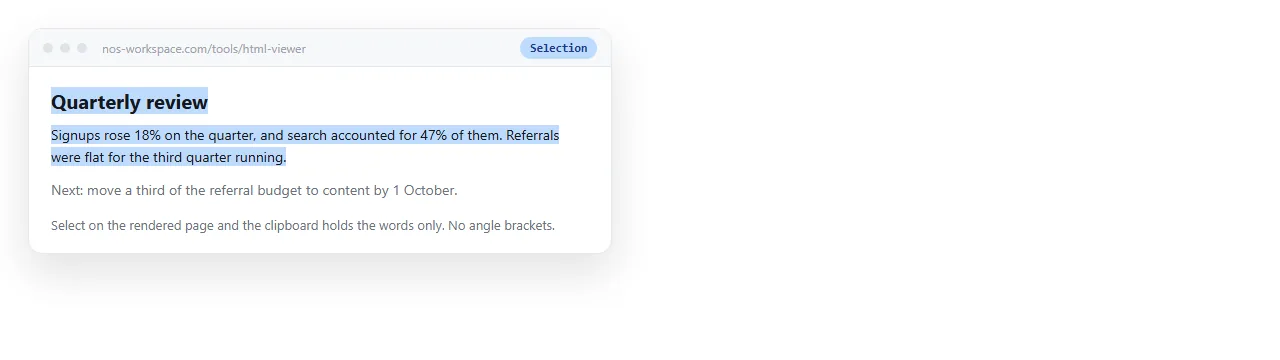
The order matters. Rendering is what converts markup into reading order, and reading order is the only thing that makes the text usable.
What text loses, and whether you care
Some of the page has no text form at all.
- Charts and graphs. A canvas or SVG chart is drawing instructions. Copying the page gives you the axis labels at best. Take a picture of it instead with HTML to image.
- Buttons, tabs and accordions. The label copies. The behaviour does not, and content inside a closed panel is often not selected at all.
- CSS content. Anything drawn by a stylesheet, including icons made from pseudo elements, is invisible to a text selection.
- Layout meaning. A two column comparison becomes two stacked lists, and the pairing is gone.
Before you rely on the text, count the headings in the rendered page and count them in what you pasted. A missing section usually means a collapsed panel.
Tables are the case worth handling separately
A table copied from a rendered page carries table markup on the clipboard. That is useful, because the destination decides what to do with it.
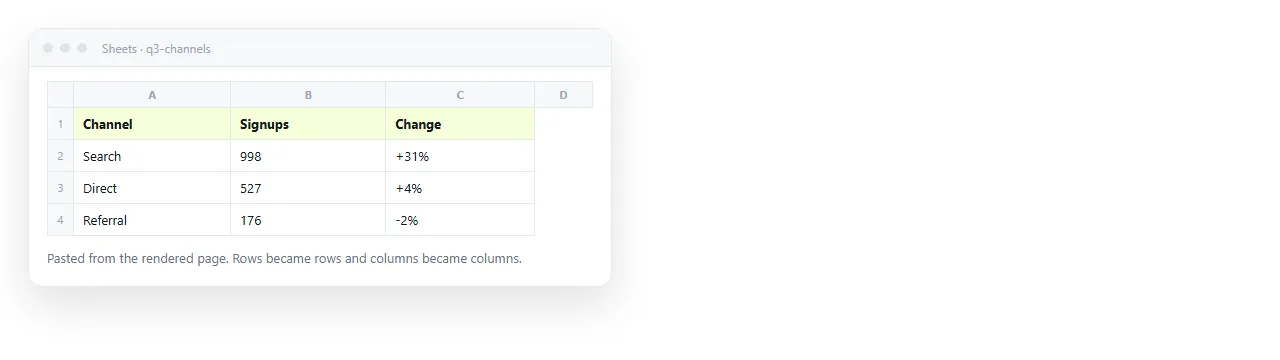
Paste into a spreadsheet and you get cells. Paste into a plain text field and you get lines with the column separation gone.
If the numbers matter and the destination is a spreadsheet, copy the table on its own rather than selecting the whole page. Selecting the page mixes prose and cells, and the paste result is less predictable.
If you want the table to stay editable as a table without moving it into a spreadsheet, editable HTML table keeps it as a page you can correct in place.
When to ask for text instead
Converting is the wrong step if you never wanted HTML.
Ask ChatGPT for plain text when the destination is a commit message, a ticket description, a plain text email or a field with a character limit. Say what the destination is, because that changes the line lengths and the punctuation.
Ask for HTML when the output has structure: comparison tables, sectioned reports, dashboards, anything with headings that carry meaning. Converting HTML to text later is a small job. Recovering structure from text is not.
A middle position works well in practice. Ask for the HTML, keep it as the page of record, and pull text out of it whenever a plain text field needs feeding. The page stays the source, and the text extracts stay disposable.
Keep the page, not only the text
Once you have converted to text, the formatting decisions the model made are gone. If the page was a report or a one pager, that is usually a loss.
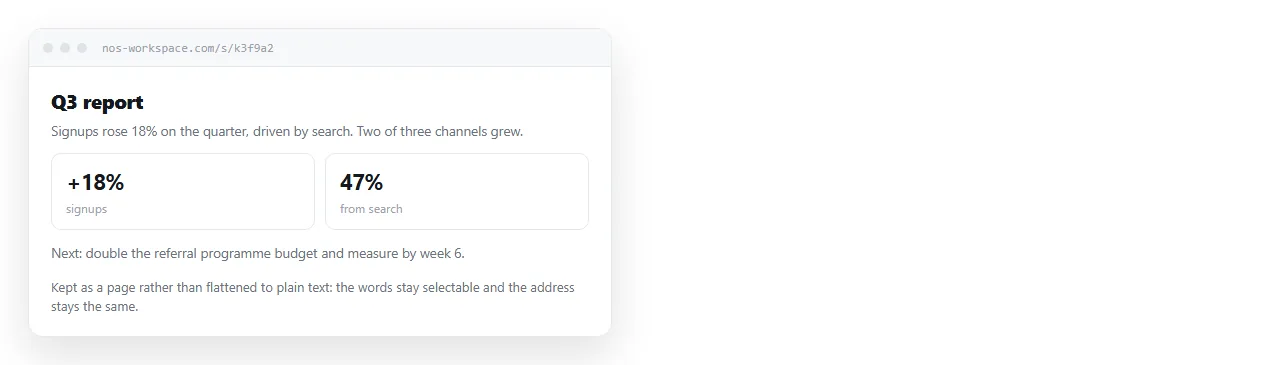
Paste the HTML into a NOS document and it renders exactly as written, including dark theme, charts and scripts. The document has its own address through Share, then Share link, then Create link, and the address does not change when you edit the content.
That means you can keep the page as the thing you send, and treat text extraction as something you do to feed a form, not as the final state of the work. Turning HTML into a link is the same one paste step.
Editing helps here too. Because the words in the document are clickable, a wrong figure can be fixed in the page itself without going back to the chat. Editing AI generated HTML without code covers what can be corrected that way.
A short decision list
- Destination is a plain text field, one time only: render, select, copy.
- Destination is a spreadsheet: copy the rendered table alone.
- Destination is a person: send the page as a link instead of converting it.
- Destination is another prompt: paste the HTML itself, since models read tags without trouble.
The last one surprises people. Feeding HTML back to a model is fine, and in some cases better than text, because the tags carry the structure. HTML versus markdown for an LLM covers when that holds.