An HTML template under construction needs three things: what is coming, roughly when, and one way to be told. Everything past that is decoration on a page nobody wants to be on.
The version below is one self-contained file with inline CSS, no font requests, and no image folder, so it opens correctly from anywhere.
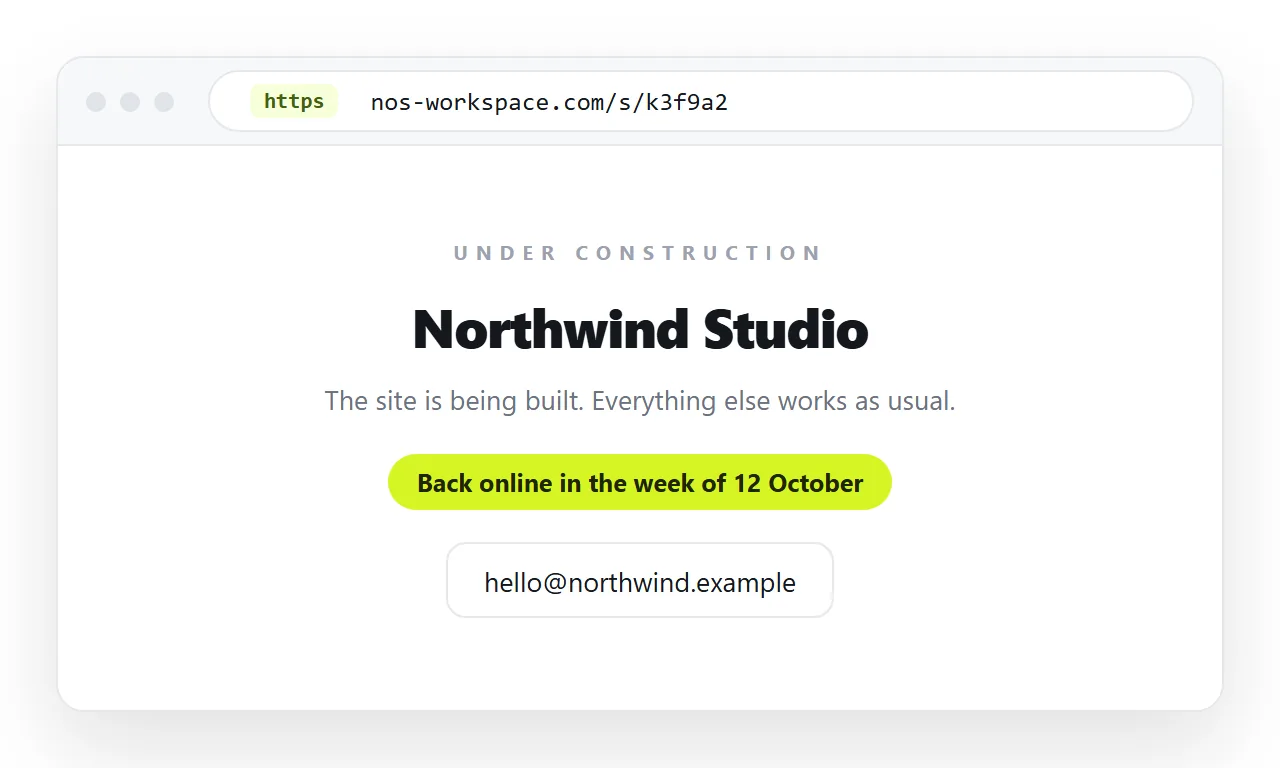
The template
<!doctype html>
<html lang="en">
<head>
<meta charset="utf-8">
<meta name="viewport" content="width=device-width,initial-scale=1">
<title>Hanul Payroll, opening November 2026</title>
<meta name="description" content="Payroll and statutory filing for small Korean firms. Opening November 2026.">
<style>
  body { margin:0; min-height:100vh; display:grid; place-items:center;
         font:16px/1.6 system-ui,sans-serif; background:#0f1115; color:#e8eaed; }
  main { max-width:520px; padding:32px; text-align:center; }
  h1 { font-size:1.9rem; margin:0 0 .6rem; }
  p  { margin:0 0 1rem; color:#b6bac2; }
  a.cta { display:inline-block; padding:.7rem 1.2rem; border-radius:6px;
          background:#4f7cff; color:#fff; text-decoration:none; }
</style>
</head>
<body>
<main>
  <h1>Hanul Payroll</h1>
  <p>Payroll and statutory filing for Korean companies with 5 to 50 staff.</p>
  <p>Opening November 2026.</p>
  <a class="cta" href="mailto:hello@example.com">Ask a question</a>
</main>
</body>
</html>
Roughly thirty lines and it is complete. place-items: center on a grid body handles the vertical centring that used to need a wrapper and a transform.
What to keep and what to cut
| Element | Verdict | Why |
|---|---|---|
| What the thing is | Keep | Without it the page says nothing |
| A month or quarter | Keep | Gives the visitor a decision |
| One contact or notify link | Keep | The only action available |
| Animated countdown | Cut, usually | Fails loudly if the date slips |
| Progress bar at 70 percent | Cut | It is not measuring anything |
| Social icon row | Cut unless the accounts are active | Dead links read as abandoned |
| Large background image | Cut | Slow, and adds a file that can go missing |
| Email capture form | Keep if you will actually write | Otherwise it collects addresses for nothing |
The pattern is that everything which implies activity without evidence of it should go. A visitor is deciding whether this project is real.
Timeframes you can keep
A month is safer than a date. A date is safer than a countdown clock.
If you genuinely have a committed launch date, a plain sentence stating it works as well as a timer and never embarrasses you at zero.
If you do not know, say what you do know. "We are building this and expect to open in the first half of 2027" is honest and still gives the reader something.
Search engines
A thin placeholder page indexed for months is not doing you favours, and it will be the result people find for your brand.
Two reasonable choices. Keep the page unlisted while it is a stub, or give it enough real content about what is coming that it is worth indexing.
If you publish it openly but do not want it ranked yet, add <meta name="robots" content="noindex"> and remove that line at launch. Set a canonical URL once the real page exists.
Either way, write a real meta description. The snippet under your name in search results is worth the one sentence.
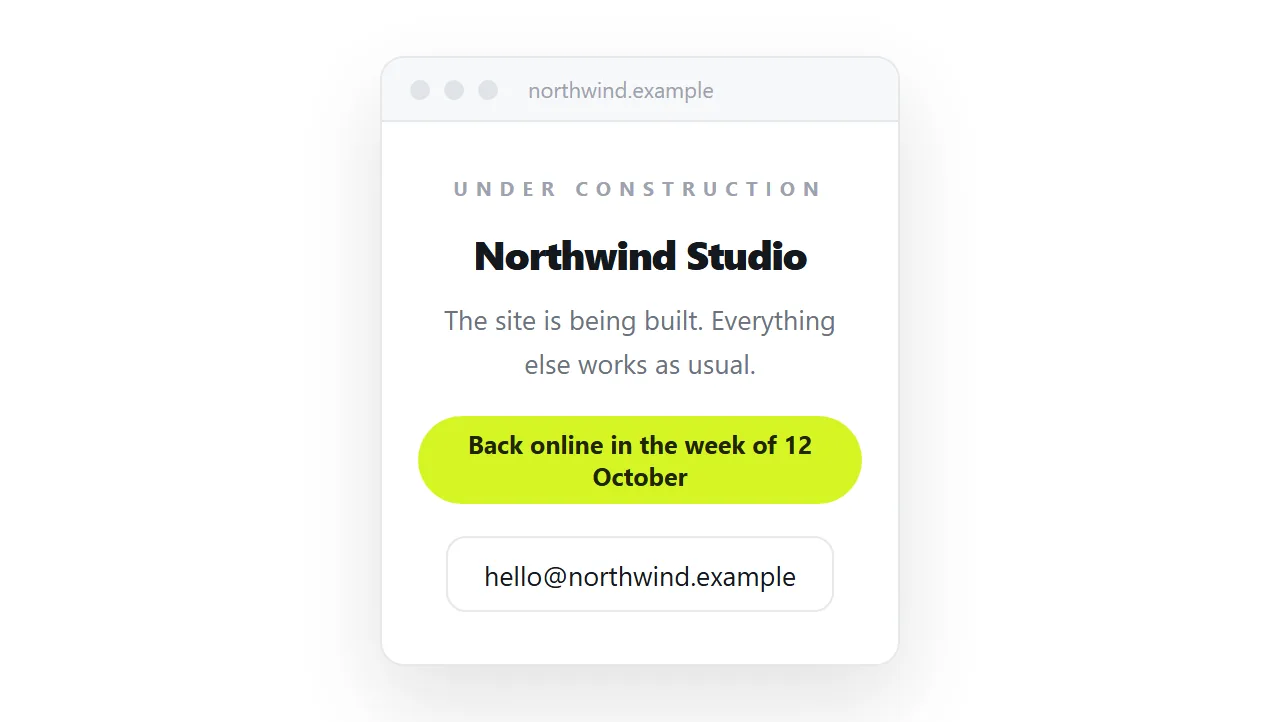
Keep it one file
A placeholder has no excuse to depend on anything. Use inline CSS or a style block, a system font stack, and an inline SVG logo if you need a mark.
No web font, no stylesheet file, no image folder. That makes it a self-contained HTML file which opens correctly from a USB stick, an email, or any address.
It also means the page loads instantly, which is the only performance characteristic a placeholder can be judged on.
Publishing an HTML template under construction, then replacing it
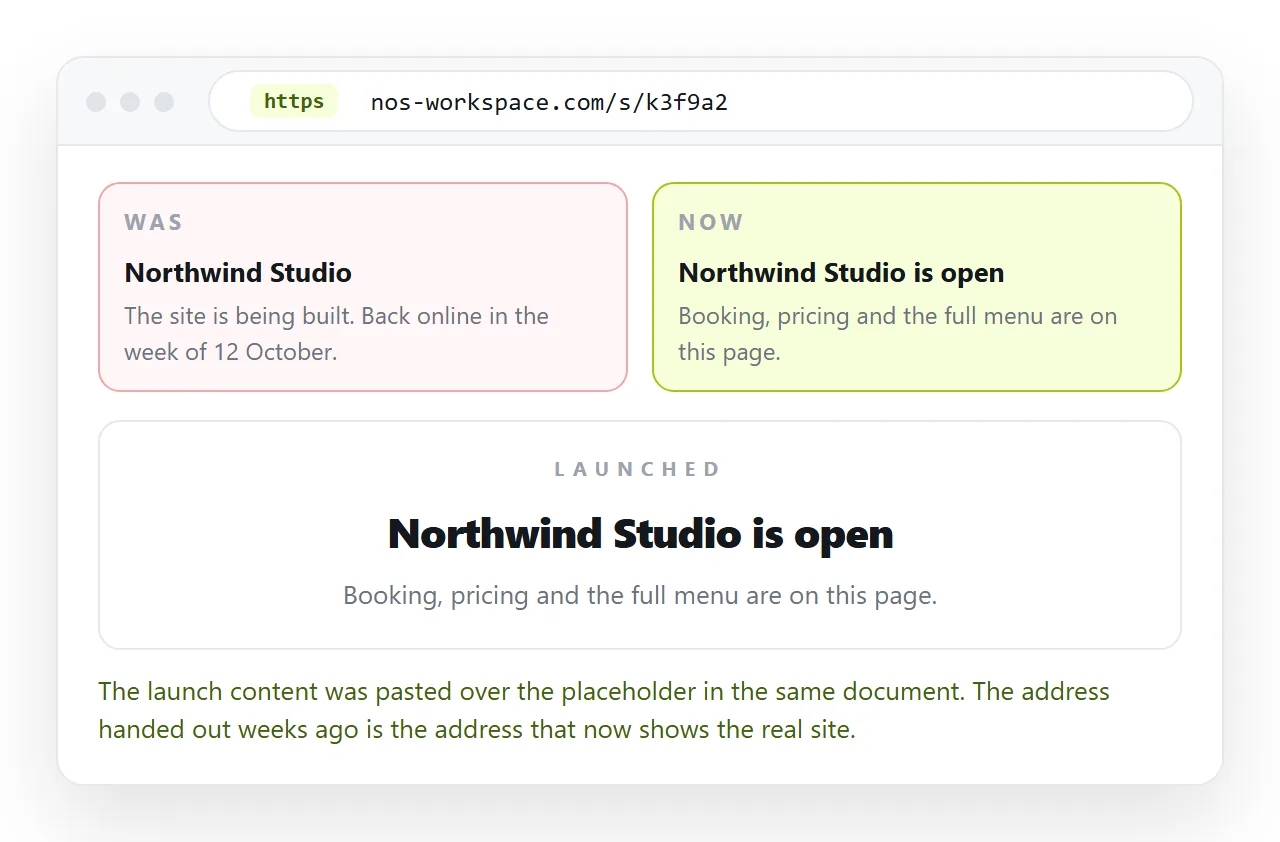
The useful property here is that the address can exist before the site does.
- Open the template in the HTML file opener to confirm it renders standalone.
- Paste it into a NOS document.
- Share, then Share link, then Create link. Tick Public on the web if you want it findable.
- Hand out that link on cards, invoices, and email signatures.
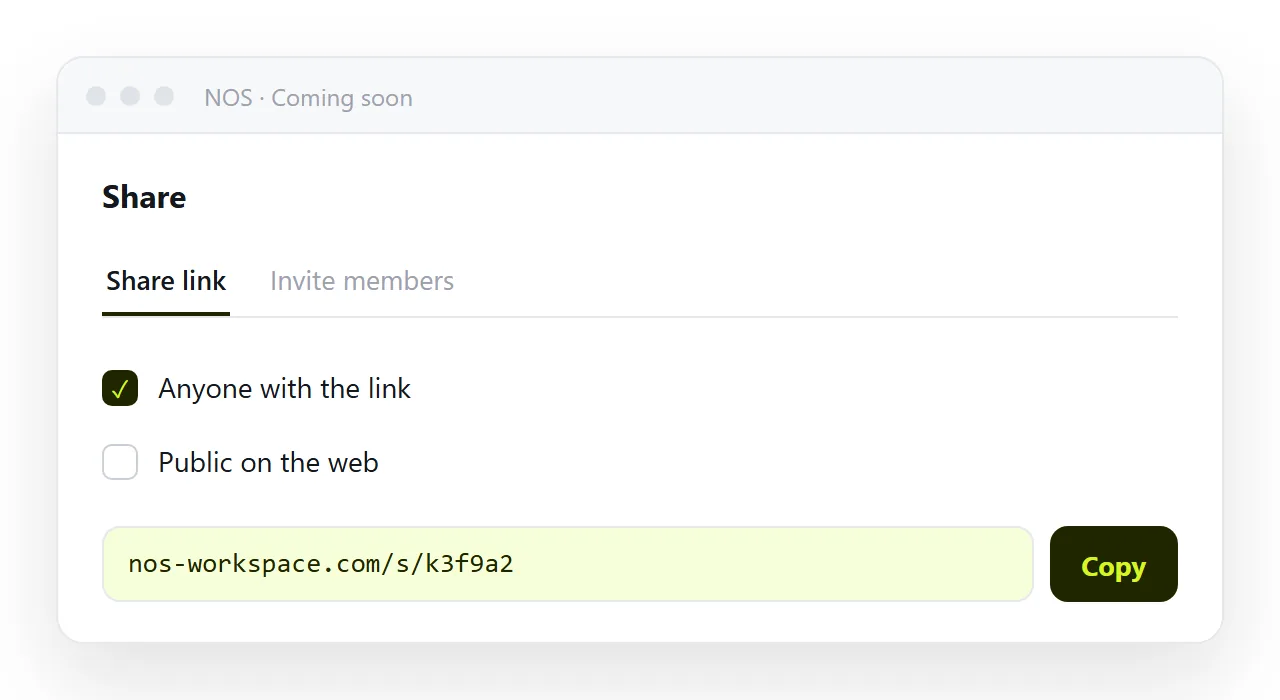
When the real site is ready, paste the finished HTML over the placeholder content in the same document. The address does not change, so every link already in circulation now opens the real page.
That is the difference from a static host, where replacing a placeholder means a re-upload and a cache wait. Static hosts compared with documents sets out the trade.
The variants worth having
Three states share the same template and differ by one paragraph.
Not launched yet. What is coming and when. This is the version above.
Temporarily down for maintenance. Say what is unavailable, when you expect it back, and where to go meanwhile. Return HTTP 503 if you control the server, so search engines treat it as temporary rather than as the new content.
Retired. Say the service has closed, give the date, and point at whatever replaced it or at a way to retrieve data. A retired service showing "under construction" wastes everyone's time.
Write the sentence for the state you are actually in. The generic placeholder that fits all three is the one that helps nobody.
If you are still designing it
A placeholder and a design draft are different documents. Keep the draft private and the placeholder public.
The HTML mockup guide covers the draft side, including how to circulate it for comment without anyone mistaking it for the live site.
Before you publish it
- Does the page name the thing and say what it does?
- Is the timeframe one you can keep?
- Is there exactly one action, and does it work?
- Does it open with no network and no extra files?
- Is Public on the web set the way you intend, and is noindex present if needed?