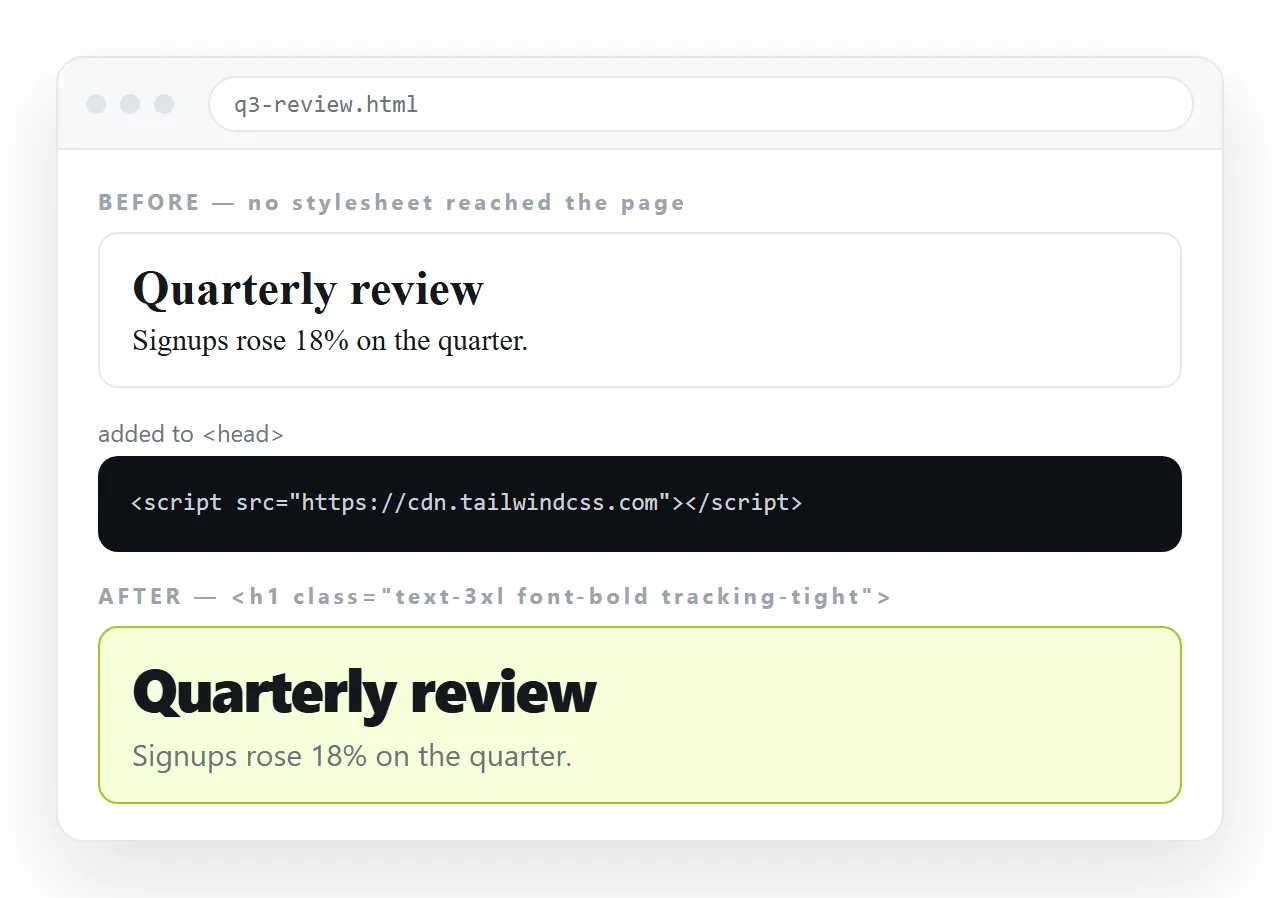
To add Tailwind to an HTML file with no build step, put one script tag in the head:
<head>
  <meta charset="utf-8">
  <meta name="viewport" content="width=device-width,initial-scale=1">
  <script src="https://cdn.tailwindcss.com"></script>
</head>
Utility classes work from the next reload. Test it with one class before touching anything else:
<h1 class="text-3xl font-bold text-blue-600">Still the same heading</h1>
If the heading does not change, stop here. Nothing else will work until that does, and the cause is one of three things listed below.
When the classes do nothing
| Symptom | Cause | Fix |
|---|---|---|
| No class has any effect | Script not loading | Check the address, and the network tab |
| Works online, plain offline | Browser build needs the network | Compile, or accept the requirement |
| Some classes ignored | Your stylesheet loads later | Move your CSS after, or raise specificity deliberately |
| Fonts and body text unchanged | A reset or theme is overriding | Set typography with utilities on body |
| Styles appear late | Generated after load | Expected with the browser build |
The third row causes the most confusion, because it looks random. Two stylesheets both setting color on p will be resolved by order and specificity, and whichever loads last usually wins.
Converting an existing page
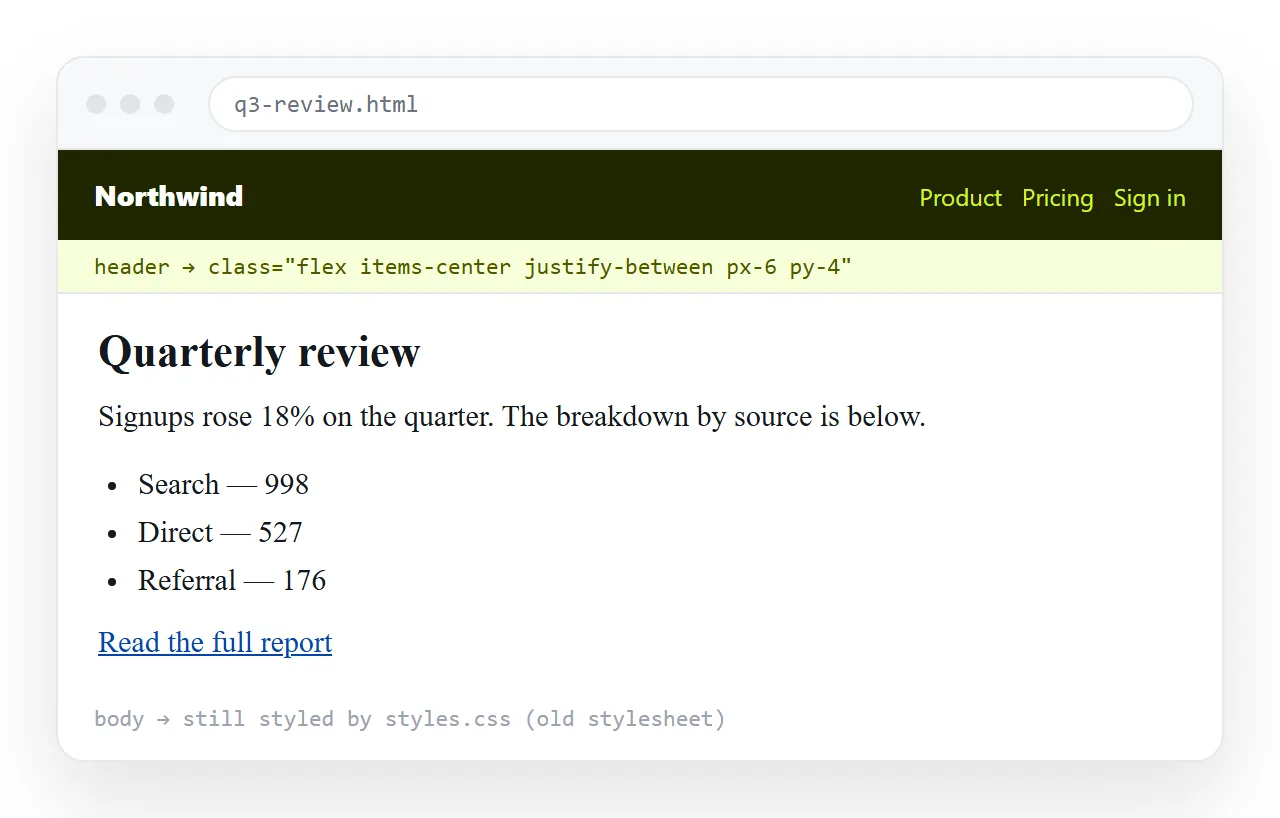
Do not rewrite the file in one pass. Work outward in four stages, checking after each.
- The shell. Give
bodyits background and text colour, and wrap the content inmx-auto max-w-5xl px-6. - Headings and text.
text-xl font-semibold, and set the paragraph colour once on a container. - Components. Cards, tables and buttons, one block at a time.
- Remove the old rules that nothing uses any more.
Stage four last, not first. Deleting your stylesheet before the replacement exists means debugging a page that is broken for two reasons at once.
Check after every stage, not at the end. A conversion that looks wrong after ten changes is easy to bisect. One that looks wrong after two hundred is not.
If the page is long, convert the parts people actually look at first. A header and a summary block in the new system beat a fully converted footer nobody scrolls to.
Custom colours and fonts
Define brand values once, in a config block placed after the script tag:
<script>
  tailwind.config = {
    theme: {
      extend: {
        colors: { brand: { 500: '#3b6cf0', 600: '#2f57c9' } },
        fontFamily: { sans: ['Inter', 'system-ui', 'sans-serif'] }
      }
    }
  };
</script>
Then bg-brand-500 behaves like any built-in colour. The alternative, writing bg-[#3b6cf0] in twenty places, works but leaves nothing to change when the brand colour moves.
Adding a few rules of your own
You will still want some plain CSS, usually for print, for a third-party widget you do not control, or for a long block of prose.
<style type="text/tailwindcss">
  @layer components {
    .btn { @apply rounded-md px-3 py-2 text-sm font-medium bg-brand-500 text-white; }
  }
</style>
The type attribute is what tells the browser build to process the block rather than treat it as ordinary CSS. Without it, @apply is left in the stylesheet and does nothing.
Browser build or compiled
| Script tag | Compiled stylesheet | |
|---|---|---|
| Time to set up | Seconds | Minutes, plus Node |
| Requires a network at view time | Yes | No |
| Unstyled flash on load | Brief | None |
| Stylesheet size | Generated each load | Only what you used |
| Right for | Internal pages, prototypes, one-off reports | Public sites |
The script tag is documented as a development and prototyping convenience. That is not a warning to avoid it, it is a description of where it fits. An internal report that a handful of people open is squarely inside that description.
Where the old CSS and Tailwind collide
Three specific places account for most of the friction when you retrofit an existing file.
Global resets. An older page often has its own reset setting margins and box sizing. Tailwind ships a preflight that does the same thing, and the two disagree on details such as default heading size and list markers.
Form controls. Browser defaults, your stylesheet and utility classes all want a say in how an input looks. Style inputs in one place, whichever you pick, rather than half in each.
Element selectors. A rule like table td { padding: 8px } beats nothing in Tailwind, because utilities are single-class and your rule is more specific in practice once it is loaded later. Convert those rules early.
The general fix is order plus scope. Load Tailwind first, keep your remaining rules in one small block after it, and narrow them to a wrapper class rather than bare element selectors.
If a single rule refuses to lose, ! in front of the utility forces it, as in !mt-0. Treat that as a note that something needs converting, not as the solution.
Sharing the page afterwards
The page now depends on that script tag, so copy the file whole. Strip the head and every class stops resolving, leaving unstyled text.
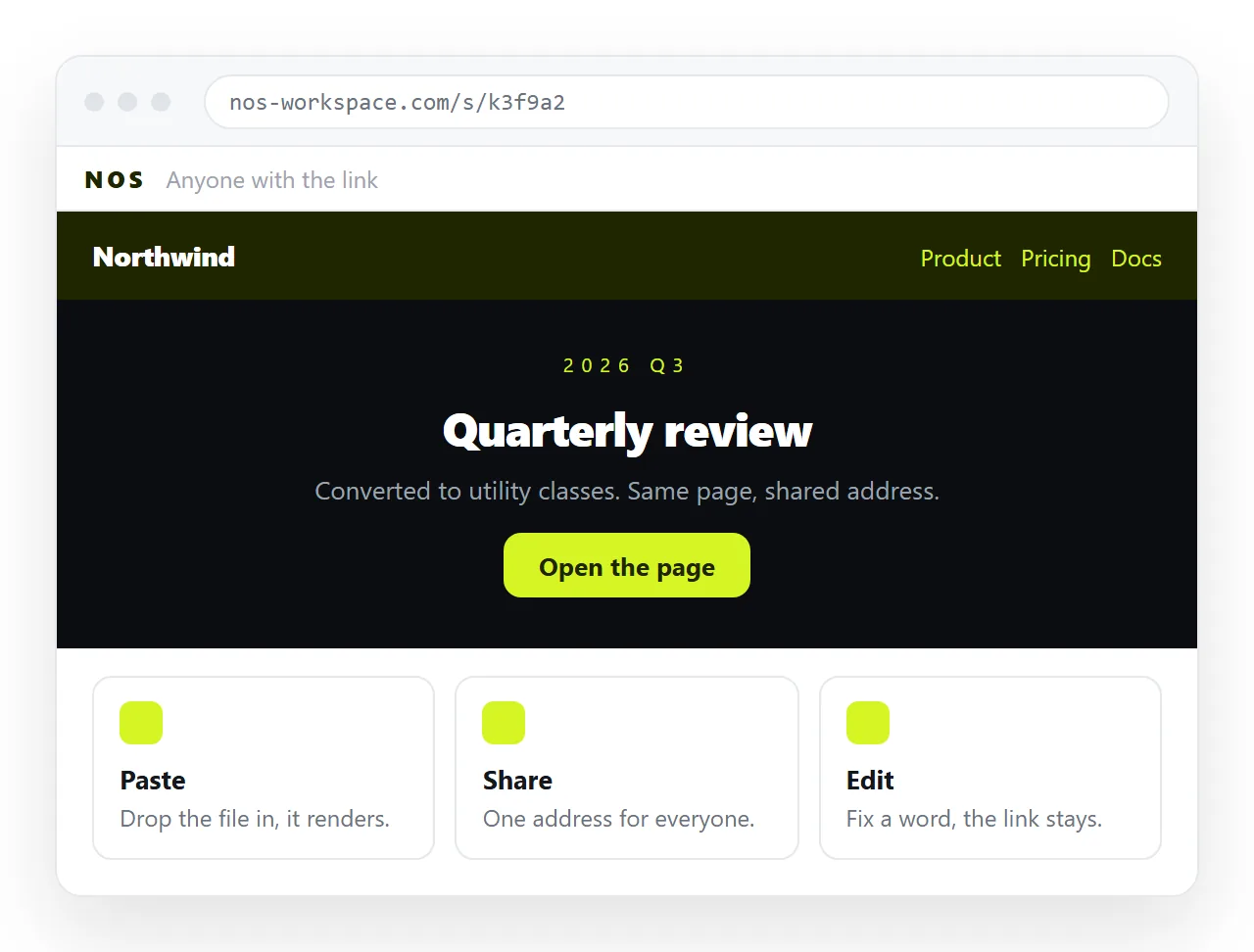
Paste the complete HTML into a NOS document and it renders as written, at an address of its own. Share, then Share link, then Create link, and send the line.
Check it in the HTML file opener first. If the page is plain there but styled on your machine, something is being loaded from a neighbouring folder rather than from inside the file.
Inline CSS and external stylesheets cover which of your rules travel with the page and which do not.
Turning HTML into a link is the sharing step on its own. If you are starting a page from scratch rather than converting one, the Tailwind HTML template is a complete file to paste, and the Bootstrap template is the component-library alternative.