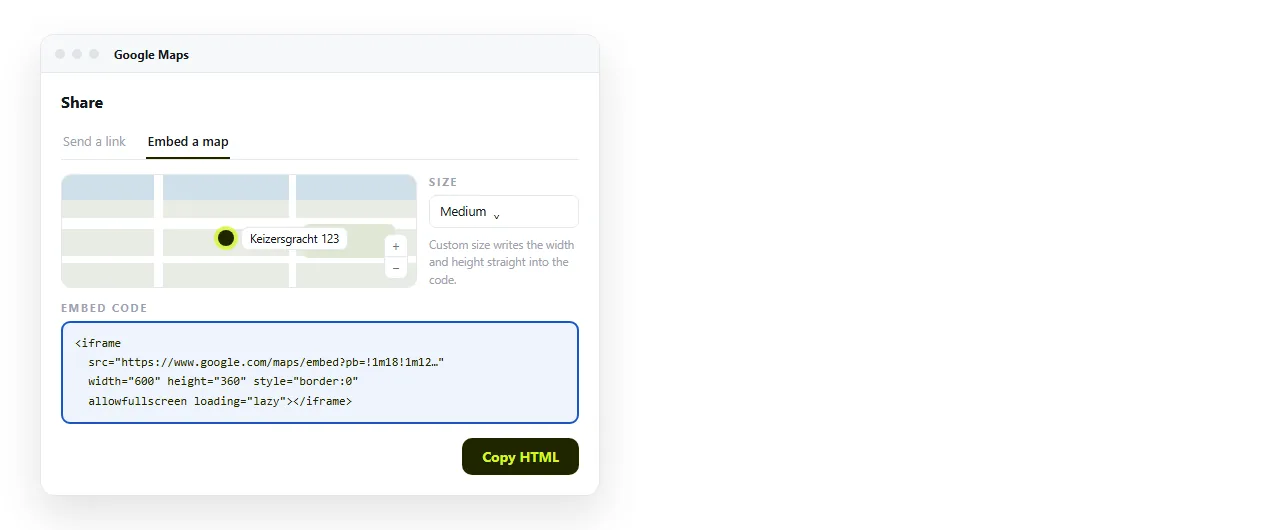
To embed a Google map in HTML, copy the iframe that Google Maps hands you under Share, then Embed a map, and paste it into your page. No key, no script.
The copied code looks like this, with a very long pb value that encodes the exact view:
<iframe
  src="https://www.google.com/maps/embed?pb=!1m18!1m12..."
  width="600" height="450" style="border:0;"
  allowfullscreen loading="lazy"
  referrerpolicy="no-referrer-when-downgrade"></iframe>
Set the view before you copy
The embed captures whatever you are looking at. Pan, zoom and place the pin first, then copy.
Search the full street address rather than the business name if you want the marker in a precise spot. Names sometimes resolve to a district centre instead.
Once copied, the pb string is opaque. You cannot hand-edit a coordinate in it, so a wrong view means going back and copying again.
Making it fit the column
The copied iframe carries width="600" height="450". That is fine on a desktop and wrong on a phone. Override it in CSS:
.map iframe {
  width: 100%;
  height: 420px;
  border: 0;
  border-radius: 8px;
}
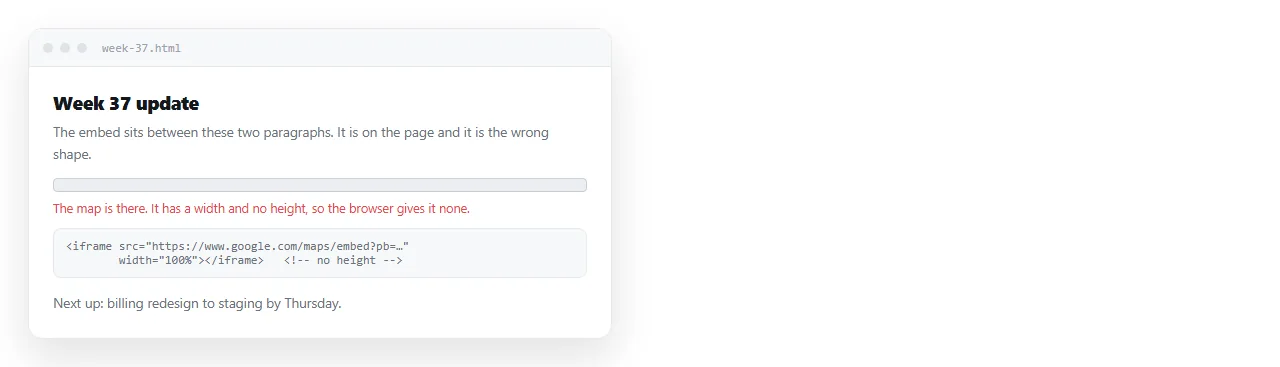
Set a height. This is the single most common mistake: authors set the width to 100 percent, leave the height alone, and the frame collapses to a thin grey strip.
An aspect ratio also works and scales better on small screens:
.map iframe { width: 100%; aspect-ratio: 4 / 3; border: 0; }
The iframe attributes, and what each one does
| Attribute | Effect if present | Effect if removed |
|---|---|---|
allowfullscreen |
The expand control works | The control is visible but dead |
loading="lazy" |
The map loads when scrolled near | It loads with the page, slowing first paint |
referrerpolicy |
Sends the referrer as Maps expects | Usually still fine, occasionally not |
title |
Gives screen readers a label | The frame is announced with no name |
width/height |
A fallback size | CSS takes over, if you wrote any |
Add title yourself. Google's copied block does not include one, and an unlabelled iframe is an accessibility gap that costs one attribute to fix.
When you need the Embed API instead
The Share iframe covers one thing: a view of a place. The Maps Embed API covers more, and it needs a key from Google Cloud.
Its addresses follow a readable pattern, which is the real advantage. You can build them from your own data:
<iframe
  src="https://www.google.com/maps/embed/api/place?key=YOUR_KEY&q=Eiffel+Tower,Paris"
  style="border:0" allowfullscreen loading="lazy"></iframe>
The mode sits in the path. Swapping place for directions, view, streetview or search changes what the frame shows, and each mode takes its own parameters.
Check Google's current terms and quota before you ship anything that generates addresses in bulk. Those conditions change, and this page is not the place to quote numbers at you.
Choosing between the two routes
| You want | Route |
|---|---|
| One office location on a contact page | Share, then Embed a map |
| A venue pin on an invitation | Share, then Embed a map |
| A map address built from a spreadsheet column | Embed API with a key |
| Driving directions between two points | Embed API, directions mode |
| Street view of a specific doorway | Embed API, streetview mode |
For most pages, the first row is the answer, and reaching for a key is work you do not need to do.
Where a Google map embed in HTML breaks
Opened from disk. A page opened by double-clicking the file runs under the file:// scheme, which has no real origin. Frames are frequently refused there. File protocol lists the other symptoms.
Mixed content. A page served over plain HTTP embedding an HTTPS frame gets blocked without a visible message. See mixed content.
A frame policy on the host page. If the page sets frame-src, Google has to be named in it. Content Security Policy covers the header.
No network. Maps is a live service. An offline reader sees an empty box, so add a text address underneath for anyone in that situation.
Putting the map where people will actually see it
A map is usually part of something else: an invitation, a venue note, an office page. That host page has to reach the reader intact, which is the harder half.
Paste the whole HTML into a NOS document and it renders as written, iframe included. The document has its own address, so you send one link rather than a file that may or may not open.
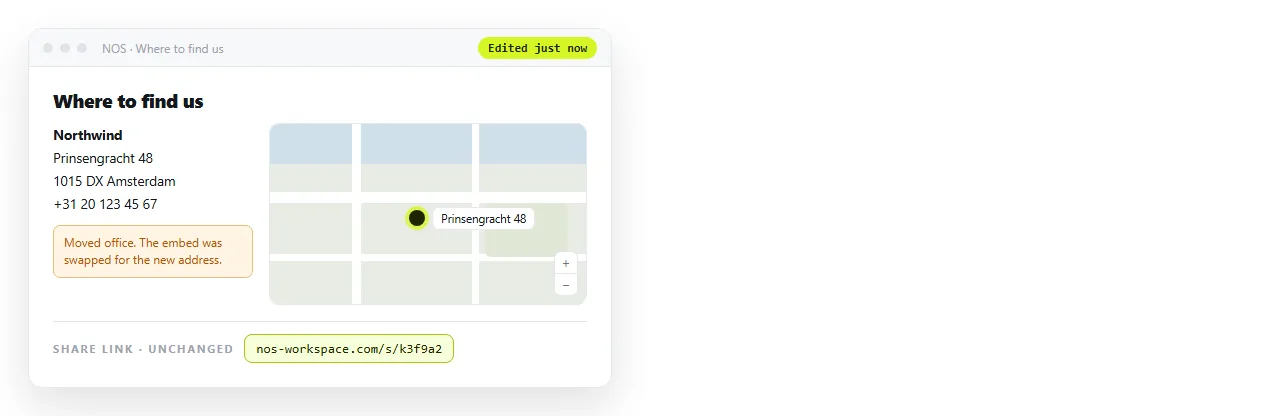
Editing it later does not move the address. When the venue changes, you replace the embed in place and the link you already sent shows the new map.
Turning HTML into a link is that step on its own, and HTML for event invites shows the pattern applied to a whole page.
What to put next to the map
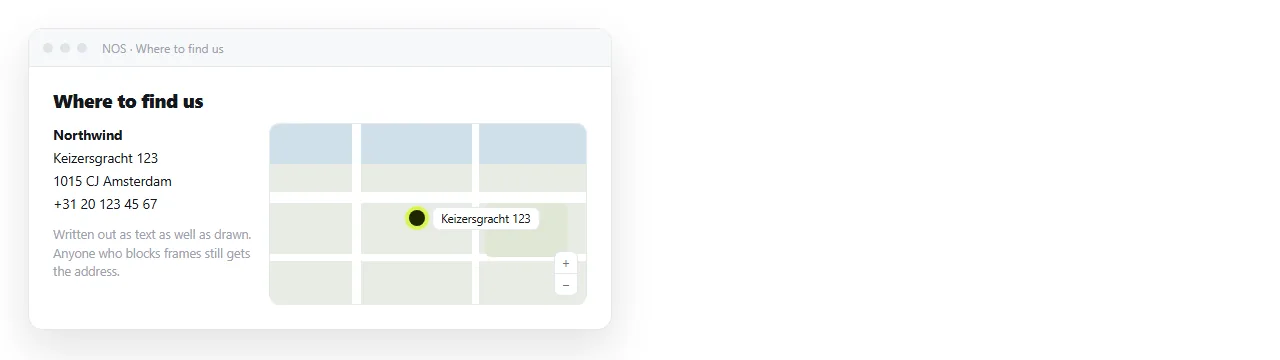
A map alone assumes the reader can see it, has a network, and is not printing the page. Write the address in text beside it.
<address>
  12 Rue de Rivoli, 75004 Paris<br>
  Nearest metro: Saint-Paul, line 1
</address>
Three more lines worth adding. A note on which entrance to use, because a pin lands on a building and not on a door. A landmark, because people navigate by them. And a phone number for anyone who arrives and cannot find you.
The map is a convenience layered on top of that text. Treated the other way round, a blocked frame or a flat battery leaves the reader with nothing.
Add title="Map of the office location" to the iframe as well. Without it, a screen reader announces an unnamed frame and moves on.