An event invitation online has a hostile reading environment and a binary outcome: read once, on a phone, in a hurry, and the guest either turns up or does not. Written as an HTML page it fits that screen, which a paper-sized attachment does not.
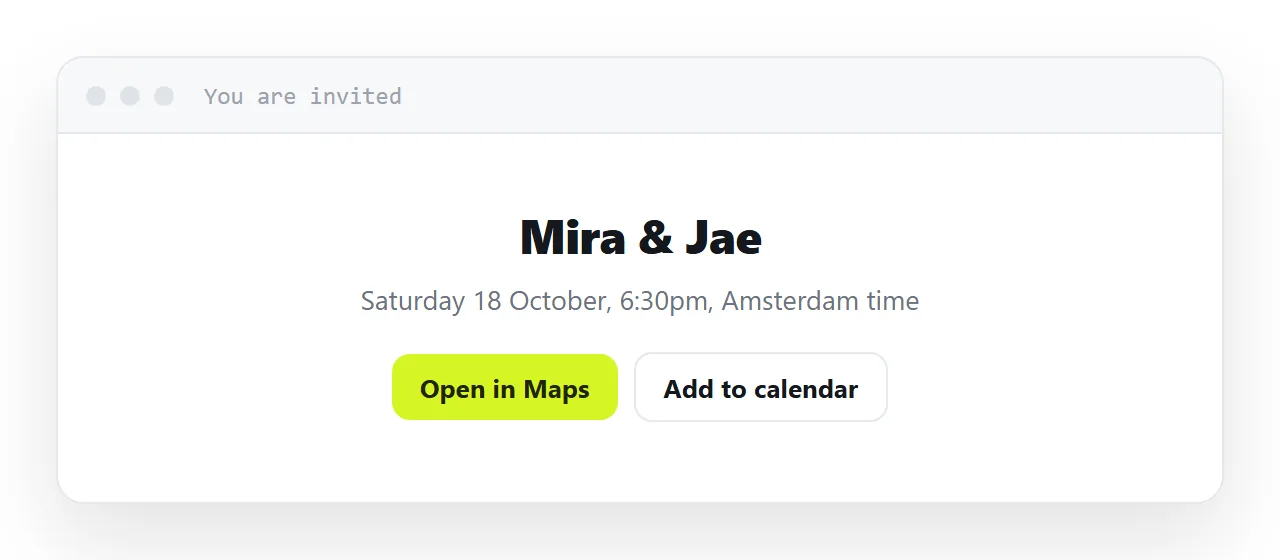
The details that decide attendance are small and specific, and all of them fit on one screen.
This guide covers the date written unambiguously, the address as a tappable map link, the calendar file, the preview card, replies, the one-screen test, and the four steps to build and send the invitation.
An invitation has a hostile reading environment and a binary outcome. Here is what actually affects attendance.
The HTML event invitation, detail 1: the date, unambiguously
<p class="when">
  <strong>Saturday 18 October, 6:30pm</strong><br>
  Doors from 6:00 · ends around 10:00
</p>
Spell out the weekday. 18/10 is two different days depending on where the reader is, and an invitation is exactly the document where that error is expensive.
Give the end time too. A guest who does not know whether this is two hours or six cannot decide whether they can come.
The address, tappable
<a href="https://maps.google.com/?q=52.3676,4.9041">
  Keizersgracht 174, Amsterdam
</a>
Coordinates rather than a place name — place names resolve to the wrong branch. One tap should open the guest's own maps application with the destination set.
Add the practical line underneath, which most invitations omit:
<p class="fine">Five minutes from Westermarkt. Street parking is metered until 11pm.</p>
A calendar file
The highest-value element on the page.
<a class="btn" href="autumn-dinner.ics">Add to calendar</a>
BEGIN:VCALENDAR
VERSION:2.0
PRODID:-//Example//Invite//EN
BEGIN:VEVENT
UID:2026-autumn-dinner@example.com
DTSTAMP:20260913T090000Z
DTSTART:20261018T163000Z
DTEND:20261018T200000Z
SUMMARY:Autumn dinner
LOCATION:Keizersgracht 174, Amsterdam
DESCRIPTION:Doors from 6pm. Reply by the 10th.
END:VEVENT
END:VCALENDAR
Every calendar application reads this. One tap, and the event is in with the correct local time — which removes the single most common reason somebody arrives an hour out.
Two details: times ending in Z are UTC, so convert carefully once and every guest gets it right. And include a stable UID, because if you later send an updated file with the same UID, calendars update the existing entry rather than creating a second one.
The preview card
<meta property="og:title" content="Autumn dinner — Sat 18 Oct, 6:30pm">
<meta property="og:description" content="Keizersgracht 174. Reply by the 10th.">
<meta property="og:image" content="https://example.com/invite-card.png">
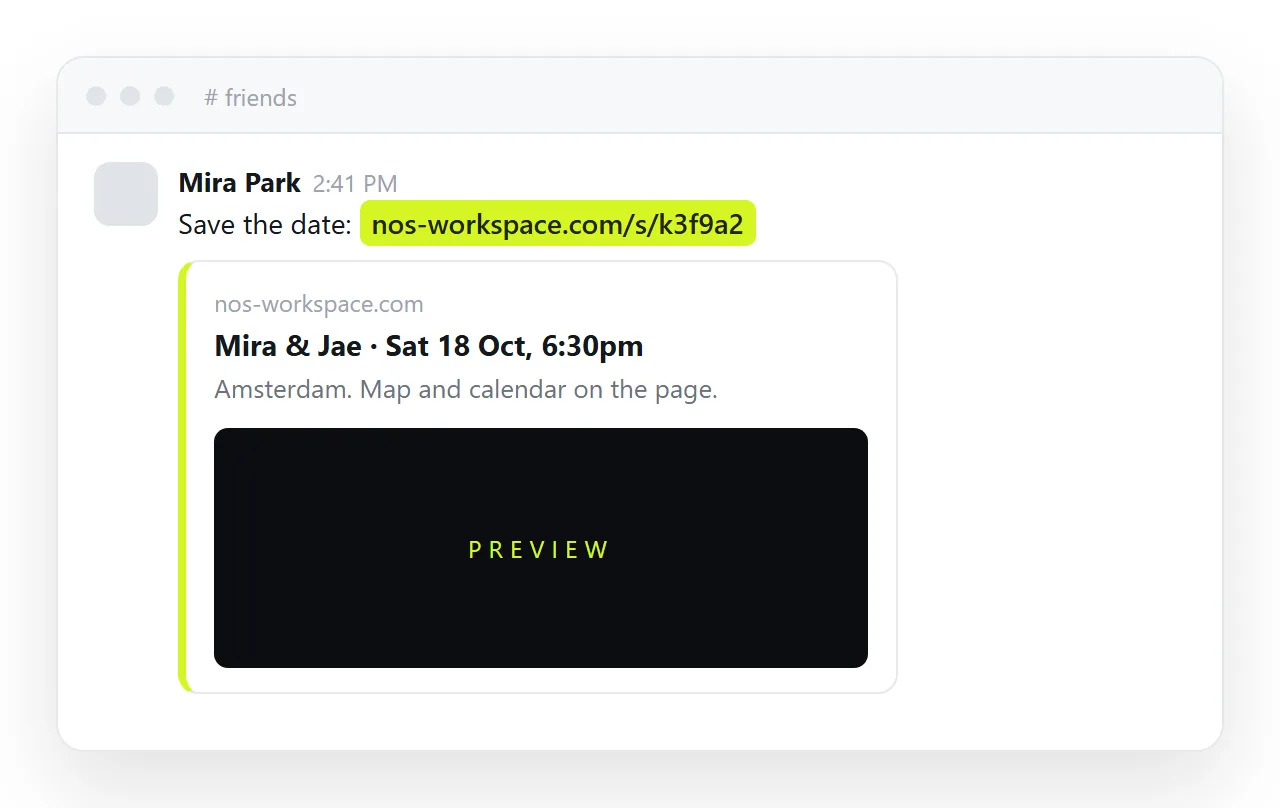
In a messaging app the card is the invitation for most recipients. Put the date in the title, because that is the part people screenshot to remember. See Open Graph tags.
Replies
A plain page cannot receive a submission. The honest options:
| Route | Works | Cost |
|---|---|---|
| Reply to the message | Always | You count by hand |
mailto: link |
Usually | Some people abandon when their mail app opens |
| A form service | Always | An extra page and a second service |
Under fifty guests, counting replies by hand is less work than any form. See turning a form into a link for why the middle option is weaker than it looks.
Design at phone width
One column. Body text at 17px or larger. The date, the address and the reply instruction all visible without scrolling — that is the whole test.
Keep the decoration below the useful part. A full-screen image at the top pushes the date off the first screen, and the date is what the guest opened the invitation for.
When it changes
It always does. With a link you change the page, and the invitation already sitting in everyone's messages shows the new time.
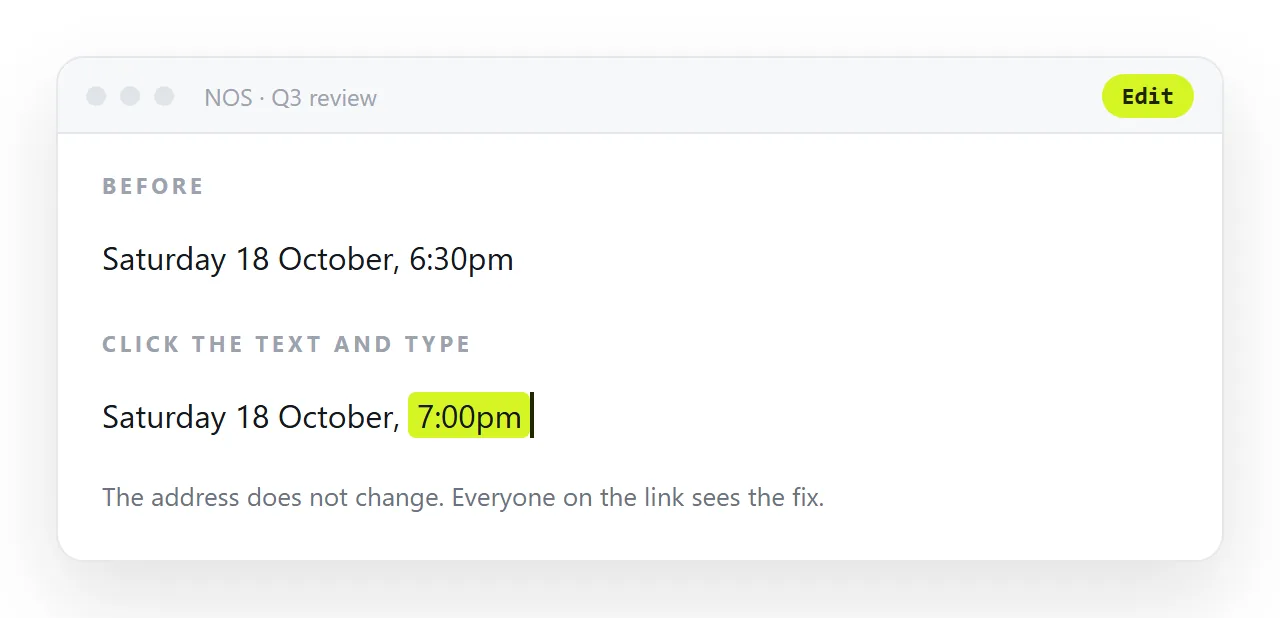
In NOS the invitation page keeps its address while the text stays clickable — change the hour, and the version guests already have is the corrected one.
The one-screen test
| Visible without scrolling | Why |
|---|---|
| What it is | One line, not a hero image |
| Weekday, date, start and end time | The reason they opened it |
| The venue, as a tappable link | So they can check the journey now |
| The reply instruction and deadline | Otherwise they intend to reply later and do not |
| Add-to-calendar | One tap removes wrong-time arrivals |
Everything else — the photograph, the menu, the dress code — below that. An invitation that puts decoration first loses the guest who was checking whether they are free.
Guests who never open the page
Some guests read the card and never tap it, which is why the card has to carry the date and the place in its title and description.
Some read the page once and never return, which is why the calendar file matters: once the event is in their calendar with the right time zone, they are reminded by their phone, not by you. Design for both, and the reply count stops being a surprise.
After you send it
Details move. With a page at one address, the invitation already sitting in everyone's messages shows the new time, and you do not have to send a correction that half the guests will miss.
If you need to collect replies properly rather than counting messages, see turning a form into a link — including why the mailto: shortcut loses responses.
Directions and the last hundred metres
The map link gets the guest to the street.
The last hundred metres, the entrance around the corner, the buzzer, the third floor, are what make people late, and they belong on the page in one line under the address, not in a message the guest has to find on the night. If parking or transport matters, one line each, and nothing more.
Building and sending the invitation: 4 steps
- Spell the date out with the weekday and the time zone.
Saturday 18 October, 6:30pm, Amsterdam time. Never18/10. - Turn the address into a map link and attach a calendar file. One tap opens the guest's maps app with the destination set; one tap on the
.icsputs the event in their calendar. - Put the date in the page title and check the card. The preview card in chat is the invitation for most guests, and the title is what gets screenshotted.
- Paste it into a NOS document, share the link, and change the page when the time changes. Share, then Share link, then Create link. Anyone who reopens the invitation, including on the morning itself, sees the new time. Turning HTML into a link is this step.